








How-To
How to Set Up Hik-Connect on Your Phone
 How-To
Hik-Connect is Hikvision’s free app for watching your cameras from anywhere. It links your phone to the recorder through Hikvision’s cloud, so there are no router ports to open and no static IP to pay for. Set aside about ten minutes.
- You need
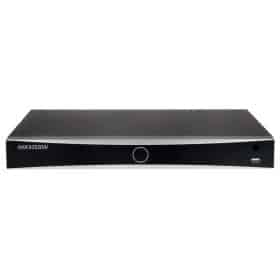
- A Hikvision or HiLook recorder plugged into your router, and a phone
- The app
- Hik-Connect, free on iPhone and Android
- Time
- About 10 minutes
- Port forwarding
- Not needed
The store listing is called “Hik-Connect – for End User”. Installers use a different app, Hik-Partner Pro, so don’t be thrown if your installer’s screens look different from yours.
Set up Hik-Connect in four steps
-
Install the app and create an account
Open Hik-Connect and tap Register. You can sign up with an email address or a mobile number, and the app sends a code to check it’s yours. Pick United Kingdom as your region.
Keep the password somewhere safe. This account becomes the owner of your recorder, and you’ll need it again on a new phone.
-
Turn on Hik-Connect on the recorder
It’s switched off when the recorder leaves the factory. On the recorder’s own screen, right-click, open the menu and go to Configuration › Network › Platform Access. Some newer recorders put the same page under System › Network › Advanced.
Tick Enable, check the access type says Hik-Connect, and accept the terms. You’ll be asked to set a verification code of 6 to 12 letters or numbers. Write it down. Press Apply, and a few seconds later the status should change to Online.
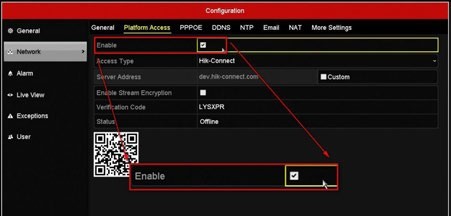
Platform Access on an older Hikvision recorder. Newer menus look different, but the fields are the same. -
Add the recorder to the app
In Hik-Connect, tap the + button and choose to scan a QR code. Point your phone at the code on the Platform Access page.
If the app asks for a verification code, enter the one you set in step 2. Skip any port settings it offers. You don’t need them.
-
Watch live, play back and get alerts
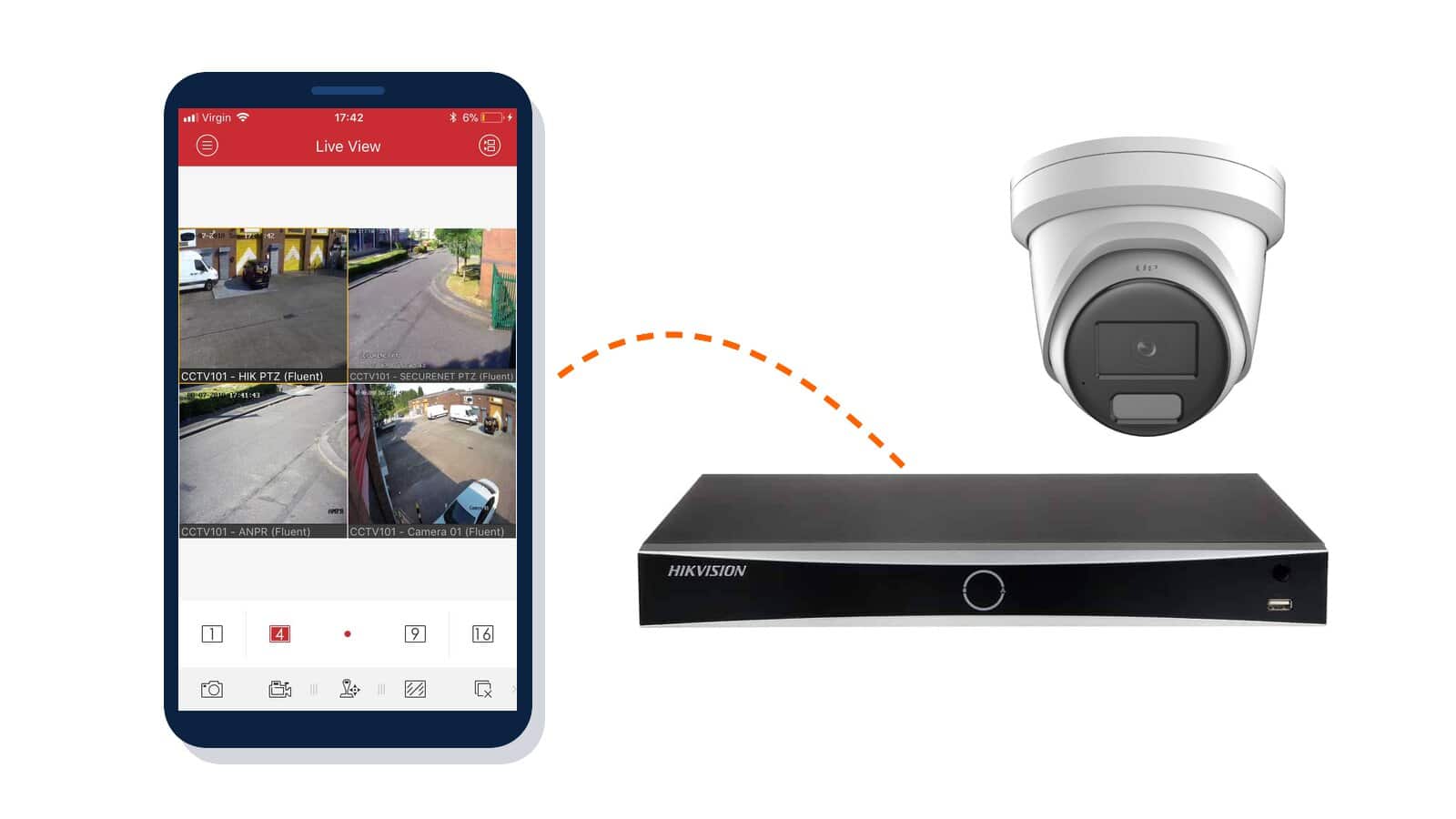
Tap the recorder, then a camera, for live view. Playback lets you scroll back through what the hard drive has recorded on a timeline.
For a notification when someone walks up the drive, turn on alarm notifications for the recorder in the app. Recorders with AcuSense can limit those alerts to people and vehicles, which keeps your phone quiet when the neighbour’s cat crosses the lawn.
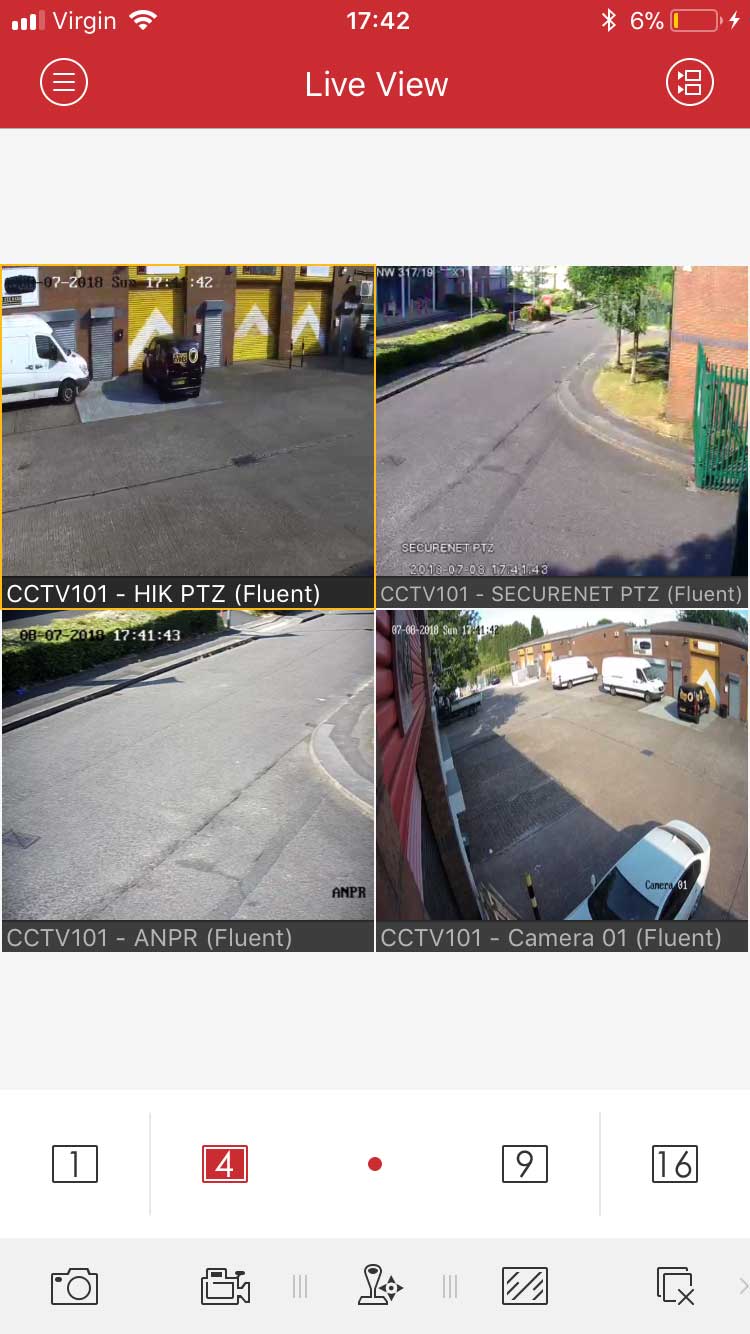
Four cameras from our trade counter in Hik-Connect’s live view.
Status stuck on Offline, or a message saying the device belongs to another account? Both are answered in the questions at the bottom of this page.
Share it with your family, safely
Don’t hand out your own login. The first account to add a recorder is its owner, and only the owner can share it.
Each person creates their own free Hik-Connect account. From your account, open sharing in the app, enter their email address or mobile number and pick the recorder. You decide what they get, from live view on one camera up to playback and alerts on all of them. They accept the share in their own app. If someone moves out, you remove their share and nobody else is affected.
Which cameras work with Hik-Connect?
Hikvision recorders and IP cameras use it, and so does HiLook by Hikvision, which is made by Hikvision and runs the same app. Our own OEM Hikvision kits work with Hik-Connect out of the box too. Everything in this guide applies to all three.
Dahua is the exception. Dahua recorders use Dahua’s own app, DMSS, which works in a similar way but with different menus.
If an installer fitted your system, they may have set it up in Hik-Partner Pro and handed it over to your account. In that case it is already waiting in your app, and you can skip steps 2 and 3.
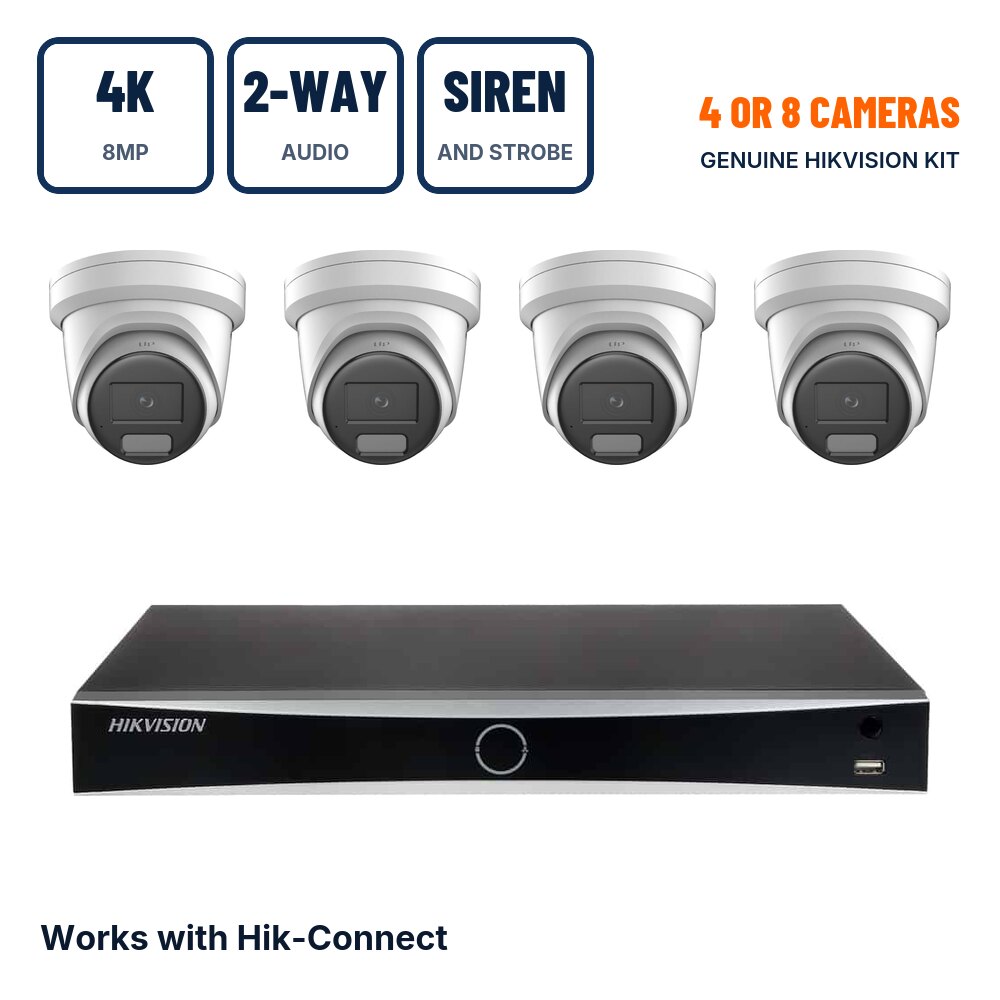
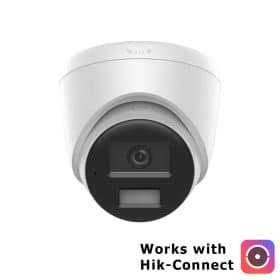
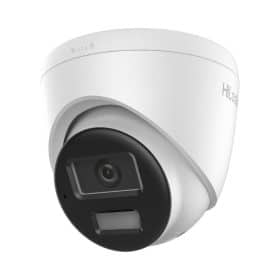
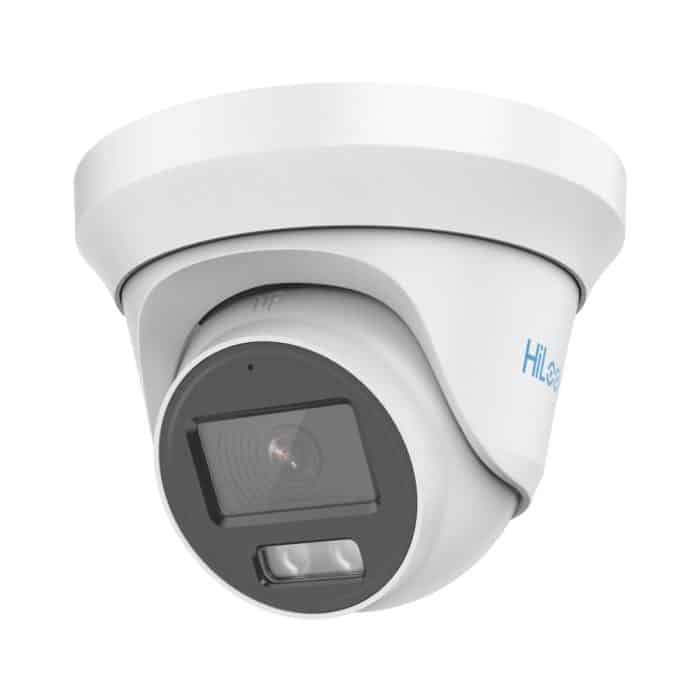
Hikvision 4K PoE kitLiveGuard 8MP turrets with two-way audio, siren and strobe, on a 4 or 8 channel NVR.
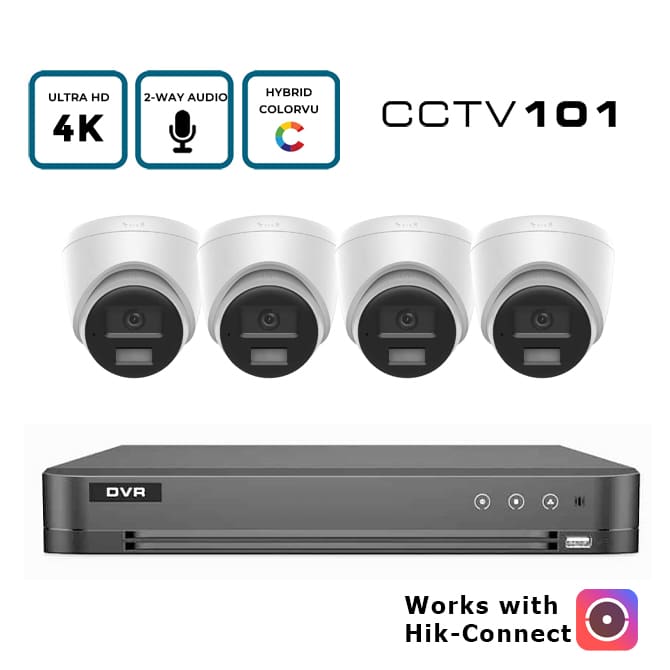
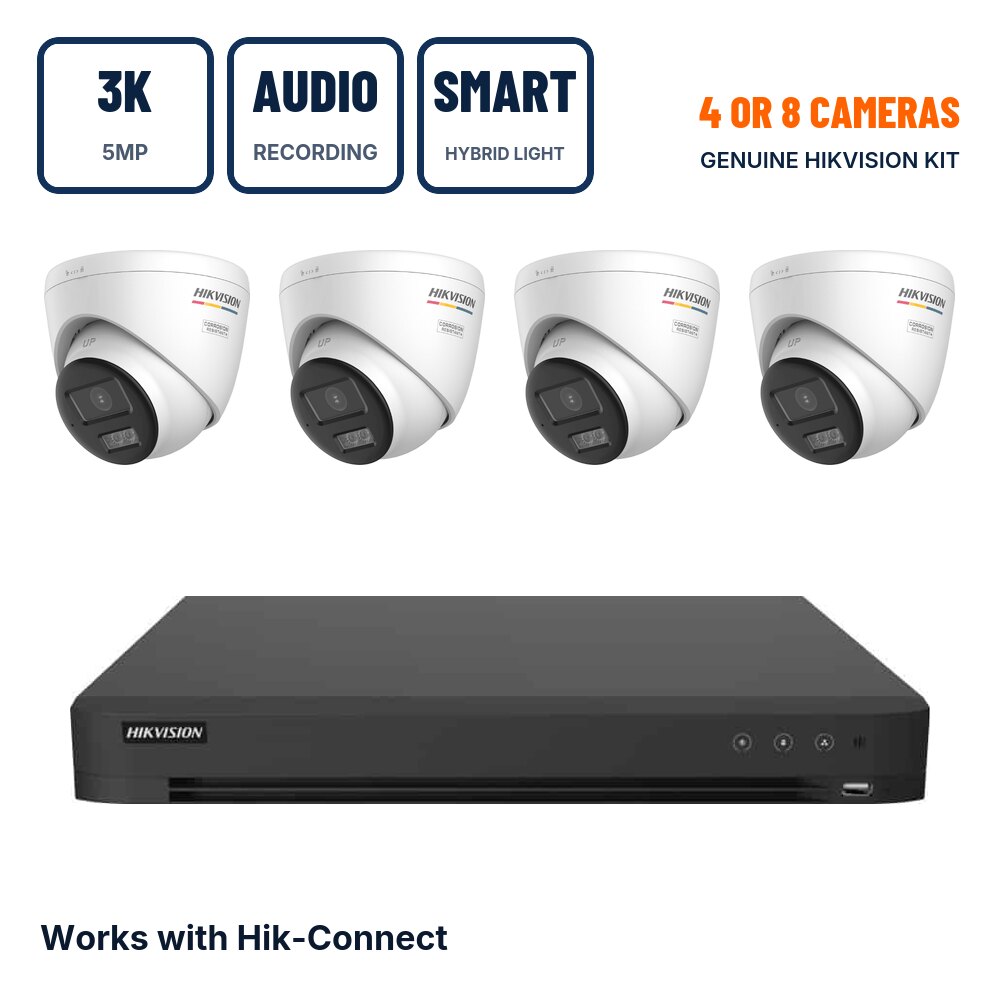
OEM Hikvision 4K PoE kit8MP Smart Hybrid Light turrets with two-way audio. Prices on show without logging in.
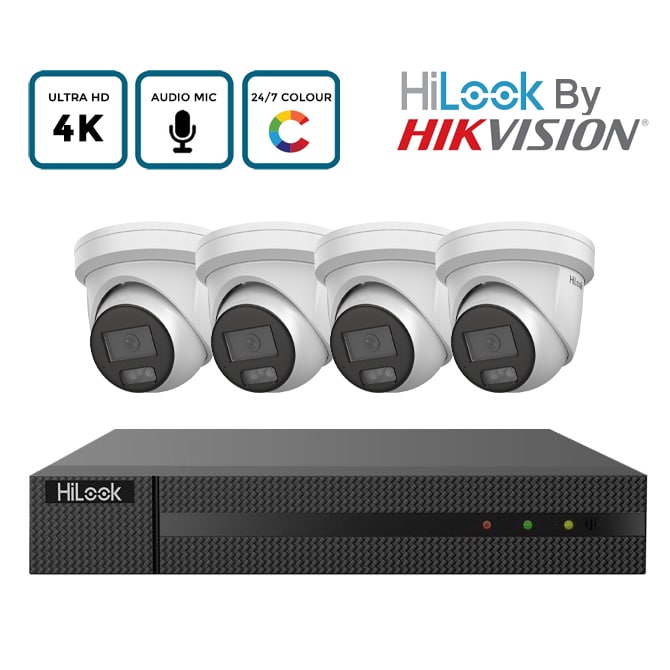
HiLook 8MP PoE kitHiLook by Hikvision ColorVu cameras with audio recording, 4 or 8 channels.
All CCTV kitsAnalogue and IP kits for 4, 8 or 16 cameras.
Frequently asked questions
I haven’t received the verification code
Look in your junk or spam folder first. Codes don’t last long, so if a few minutes have passed, ask for a new one. Still nothing? Register with your mobile number instead of your email address.
The recorder says Offline on the Platform Access page
The recorder can’t reach Hikvision’s servers. Check its network cable runs to your router and that the router is online. Then look at the recorder’s network settings: Hikvision notes that a recorder may need a public DNS server rather than the router’s own address, so try 8.8.8.8 as the preferred DNS and 8.8.4.4 as the alternate. Apply, and give it a minute. Our guide to Hik-Connect device offline goes through the remaining causes in order.
The app says the device has been added by another account
Each recorder can belong to only one Hik-Connect account at a time. If it came from a previous owner or an installer, that account has to let it go first. When you try to add it, the app usually offers an Unbind option, which works best with your phone on the same network as the recorder. Hikvision’s free SADP tool for Windows can unbind it too. If neither works, the seller or installer will need to release it, so have your proof of purchase handy.
There is no Platform Access option on my recorder
The firmware is too old for Hik-Connect. A firmware update usually adds it. If you bought the recorder from us, send us its serial number and current firmware version, both shown in the Maintenance menu, and we’ll tell you which update it needs.
Can I watch on a computer?
Yes. Hikvision’s free iVMS-4200 software for Windows and Mac can sign in with your Hik-Connect account and show the same cameras on a bigger screen.
Is Hik-Connect free?
The app costs nothing, and so do live view and playback. Your recordings stay on the hard drive inside your recorder, not in the cloud.
Still stuck? Send us your question with the recorder model and what the Platform Access page shows, and we’ll reply by email.
CCTV DVRs
All CCTV DVRs