




Buying Guides
CCTV Kits: How to Choose the Right One
 Buying Guides
Most people choose a CCTV kit backwards. They settle on a price and a camera count first, and work out where the cameras go afterwards. Do it the other way round. Twenty minutes walking the property with a notepad will save you from the commonest regret in home CCTV, which is “I wish I’d bought the eight-channel one”.
Walk the property first
Give every camera one job. The front door camera is there to identify a face. The drive camera watches the car. A garden camera gives you an overview of who came over the fence and which way they went, and the side return camera only has to prove someone walked past. A camera asked to do two of those jobs usually does neither well, because a lens wide enough for the whole garden makes a face at the back door a few pixels across.
Walk every route a person could take onto the property and mark where they’d be closest to a wall you could fix to. Side returns get forgotten. So do the wheelie bins, which get dragged to the back fence and climbed on far more often than anyone expects, and the flat roof of the extension that a reasonably agile teenager can be on in about four seconds. Count the marks. That’s your camera number, and it’s nearly always higher than the number you started with.
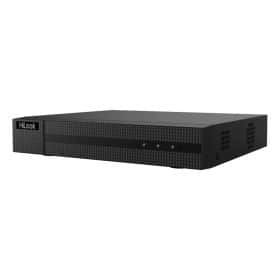
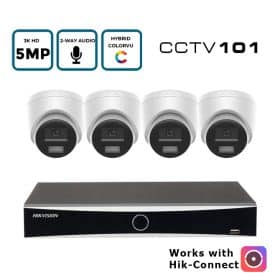
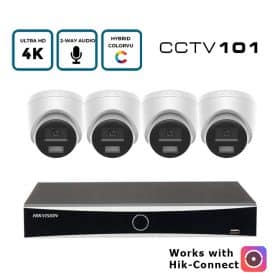
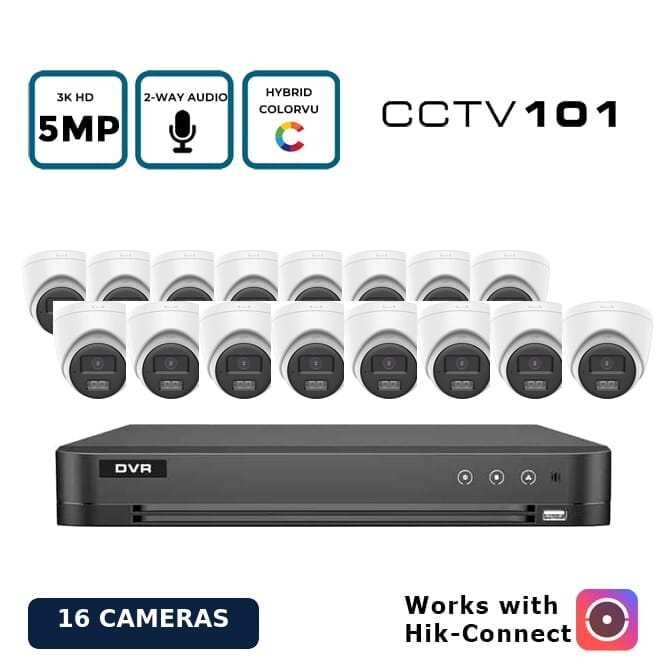
Our kits come as four or eight cameras on a four- or eight-channel recorder, with sixteen-camera versions for bigger sites. If your count lands on five or six, buy the eight-channel recorder now. Spare channels are cheap at the start. Swapping the recorder two years later means setting up a new drive and re-adding every camera, while your old footage stays behind on the old box. That costs you a weekend rather than a few quid. Our guide on what size NVR you need goes through the channel and bandwidth maths.
IP or analogue HD
This is the decision that shapes everything else, and it mostly comes down to the cable. Specifically, whether there’s any in the walls already.
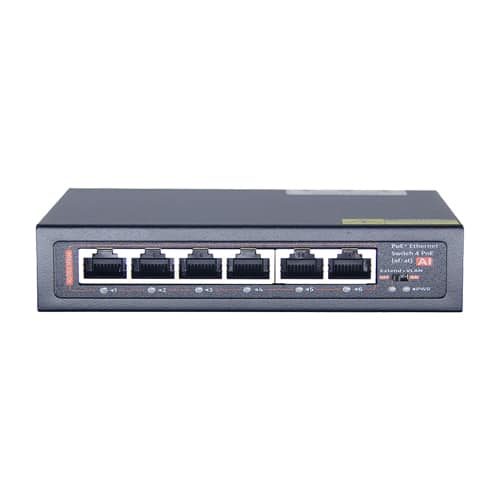
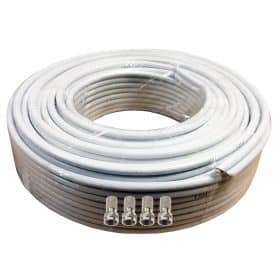
IP cameras run on network cable. One Cat5e or Cat6 per camera carries both the picture and its power, which is what PoE means, and the audio rides along on the same cable. The resolutions go higher and the detection of people and vehicles is sharper. The recorder can also sit next to your router rather than wherever the cables happen to end. Analogue HD cameras run on coax, usually with a pair of power cores alongside it, and they’re cheaper camera for camera. Their real strength is reusing cable that’s already in the walls from an old system.
Our rule of thumb is short. New cable going in? Fit IP. Old coax already in place and you don’t fancy lifting floorboards? Analogue HD will give you a sharp modern picture over it. There’s more on that in IP vs analogue HD CCTV, and the coax formats get their own page in analogue HD explained.
Resolution
More megapixels help. The lens helps more. The figure that counts is pixels per metre on the target. Identifying a stranger needs roughly 250 pixels per metre across the scene at that distance, and an 8MP camera on a 2.8mm lens reaches that only about six metres out. A 4MP camera on the right lens will often beat it at the gate.
8MP also roughly doubles what you store compared with 4MP, so a bigger picture costs you days of recording on the same drive. We wrote a whole piece on 4MP vs 8MP CCTV. Short version: 5MP is the sweet spot for most houses, 8MP earns its keep on wide drives and car parks.
Night vision and colour after dark
Infrared gives you a clear black-and-white picture in total darkness without lighting anything up. It’s what nearly every camera did for twenty years, and for watching a back garden at three in the morning, where nobody needs to know the colour of anything, it’s still hard to argue with. Cheap, too.
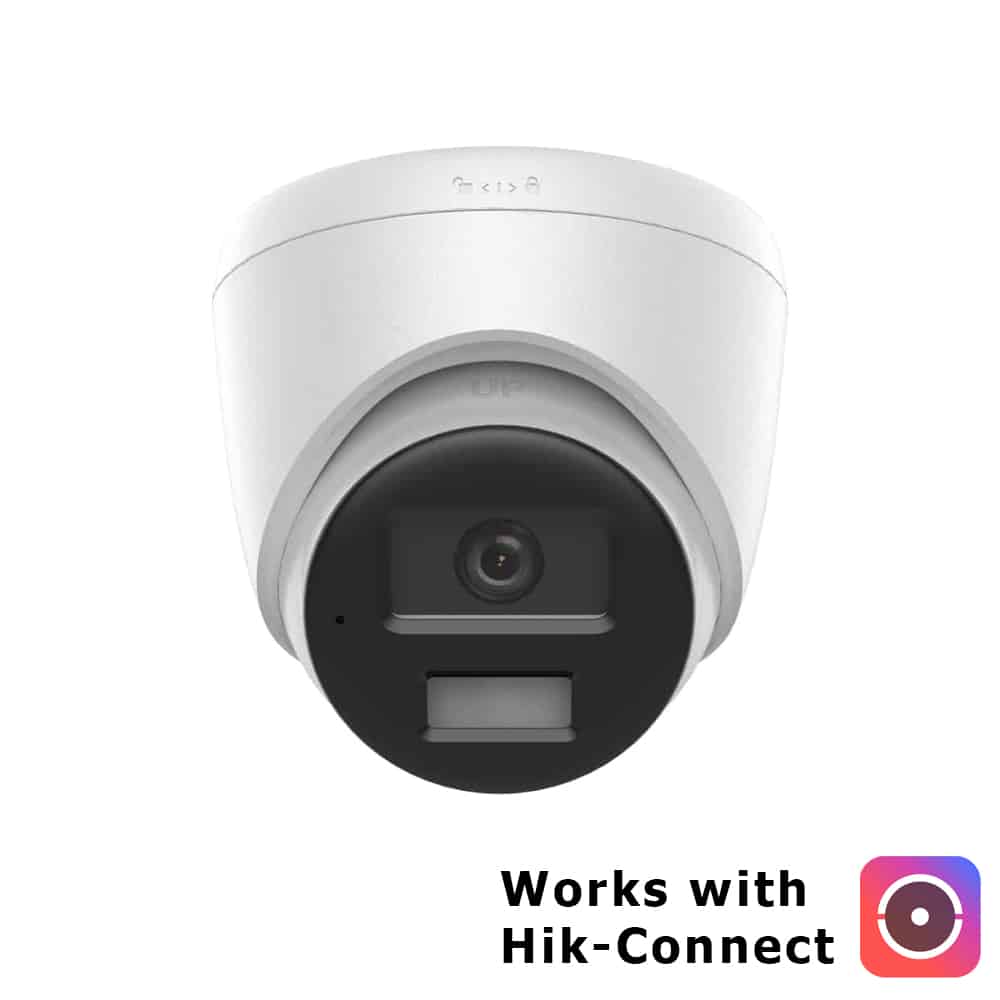
ColorVu cameras use a very wide aperture and, where it’s needed, a soft white light to stay in colour all night. Colour matters when you need to say what colour the coat was, or the car. Smart Hybrid Light sits between the two. The camera runs on infrared until it spots a person or a vehicle, then switches its white light on, which also tells the person they’ve been seen. Think about bedroom windows before you point a white light at a neighbour’s house. Our ColorVu explainer covers the differences properly.
Audio
Kits labelled “Audio Recording” have a microphone in each camera. “2-Way Audio” kits add a speaker, so you can talk to a delivery driver from your phone. Both are useful, and audio can be switched off camera by camera. Recording sound is the part of home CCTV most likely to get you into trouble with a neighbour, though, so read CCTV with audio and UK law before you leave every microphone on.
What’s in our kits, and what isn’t
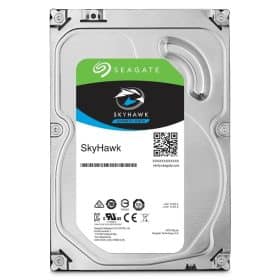
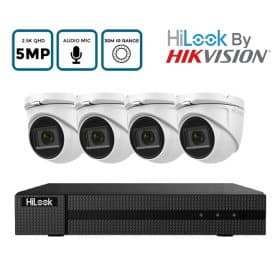
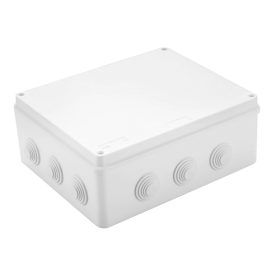
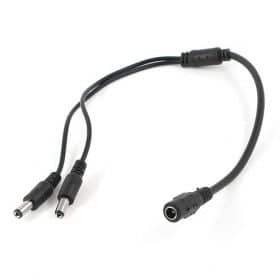
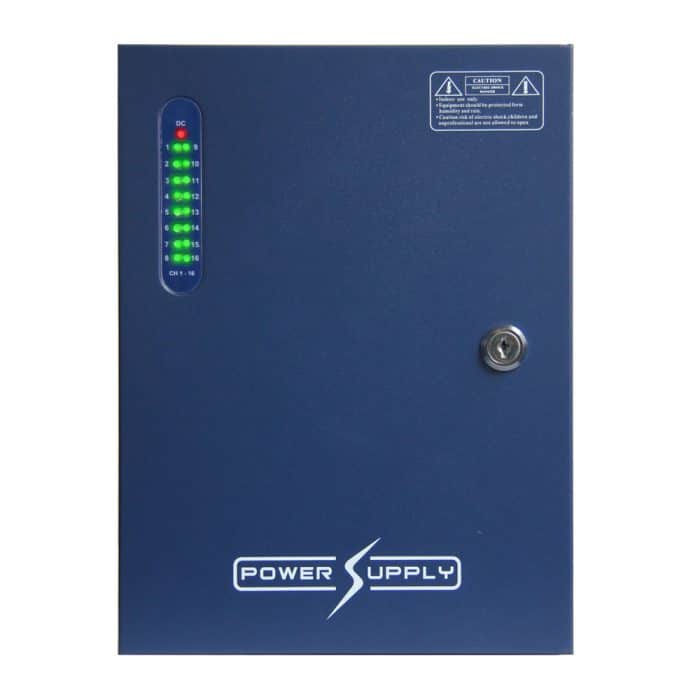
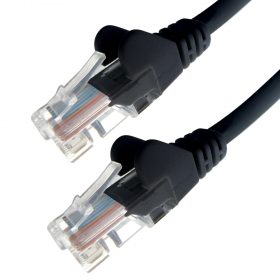
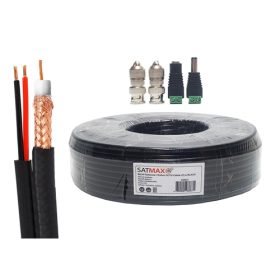
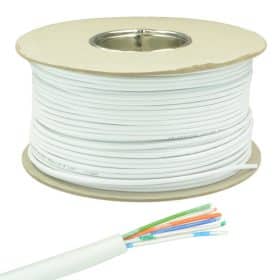
Every four/eight-camera kit is built round a recorder, four-channel as standard with an eight-channel upgrade, and a surveillance hard drive comes in the bundle. You set the camera count anywhere from one to eight when you add it to the basket. Junction boxes and 20 metre lengths of cable are optional extras. The IP kits offer Cat5e with a waterproof RJ45 grommet on the end, while the analogue kits offer plug-and-play RG59 with power cores and carry a four-way 12V power supply by default.
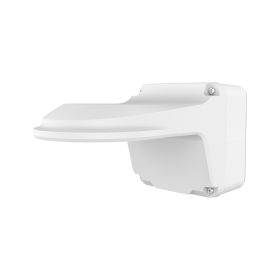
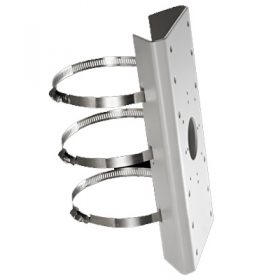
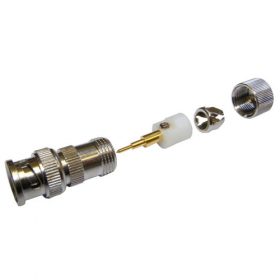
What a kit can’t know is your building. Runs longer than 20 metres need cable off a drum and connectors to finish it, which is where our connector guide comes in. Corner and pole mounts are separate too (see junction boxes and brackets). And think about how many days of footage you want before you settle on the drive, because hard drive size decides that more than anything else in the box.
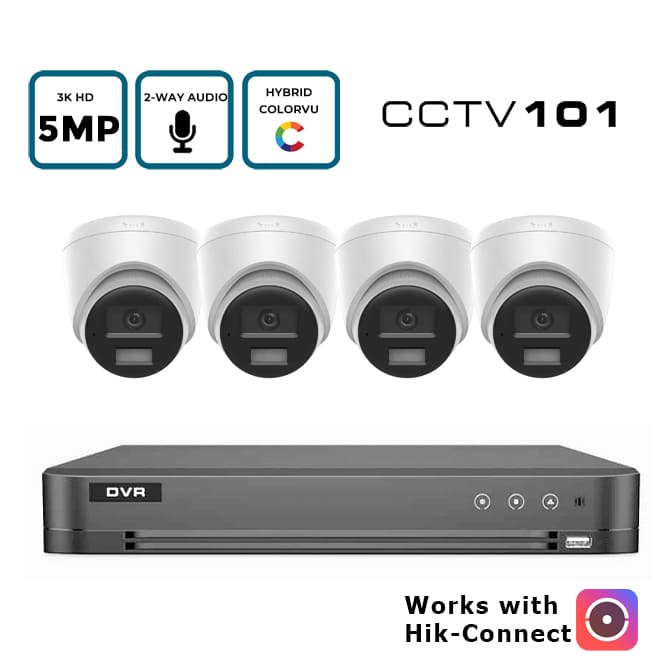
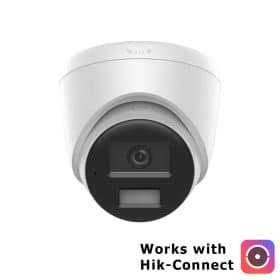
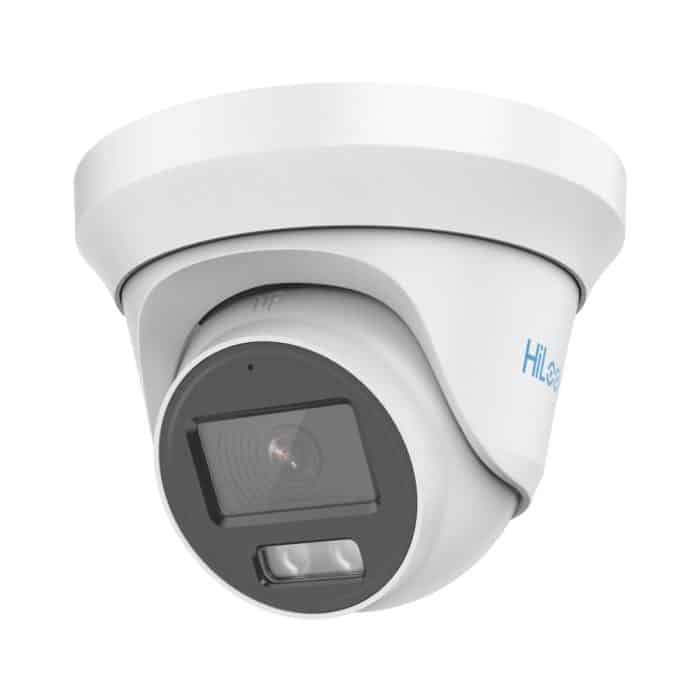
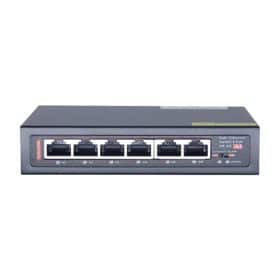
IP CCTV kitsPoE cameras on one network cable each, 4MP to 8MP, with audio.
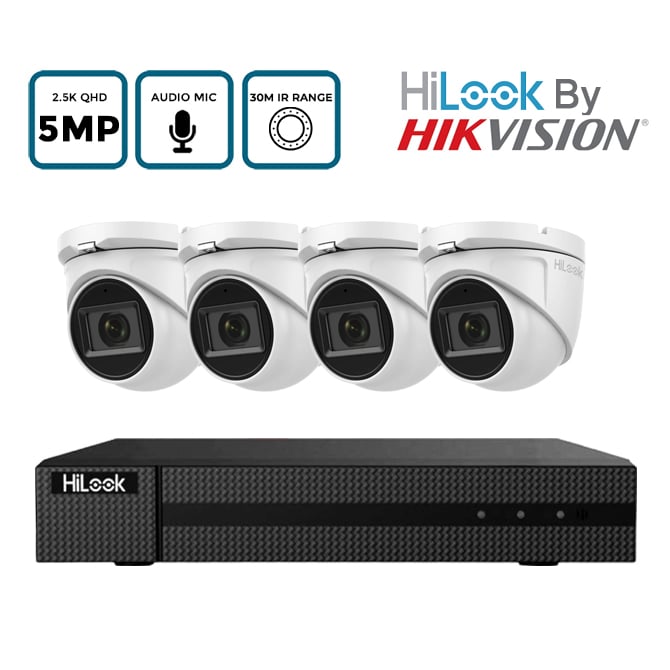
Analogue HD kitsCoax cameras for new jobs or for reusing the cable from an old system.
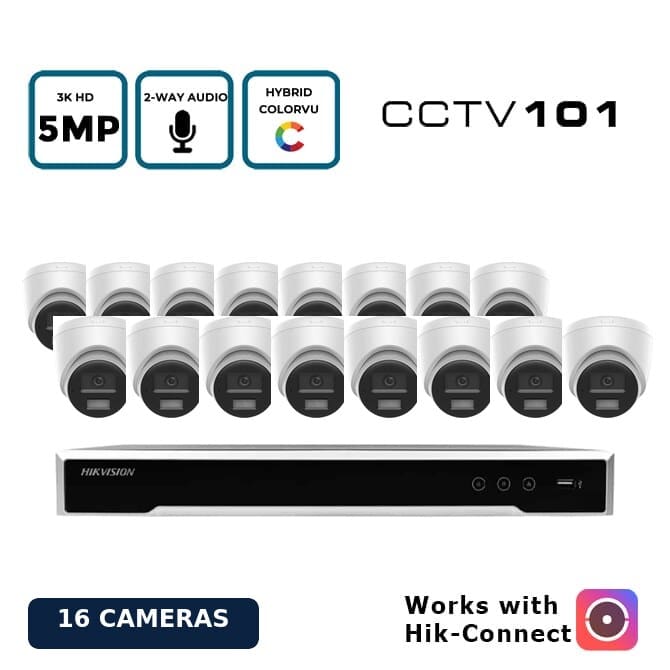
16-camera kitsBigger sites. The recorder takes sixteen cameras and the drive is your choice.
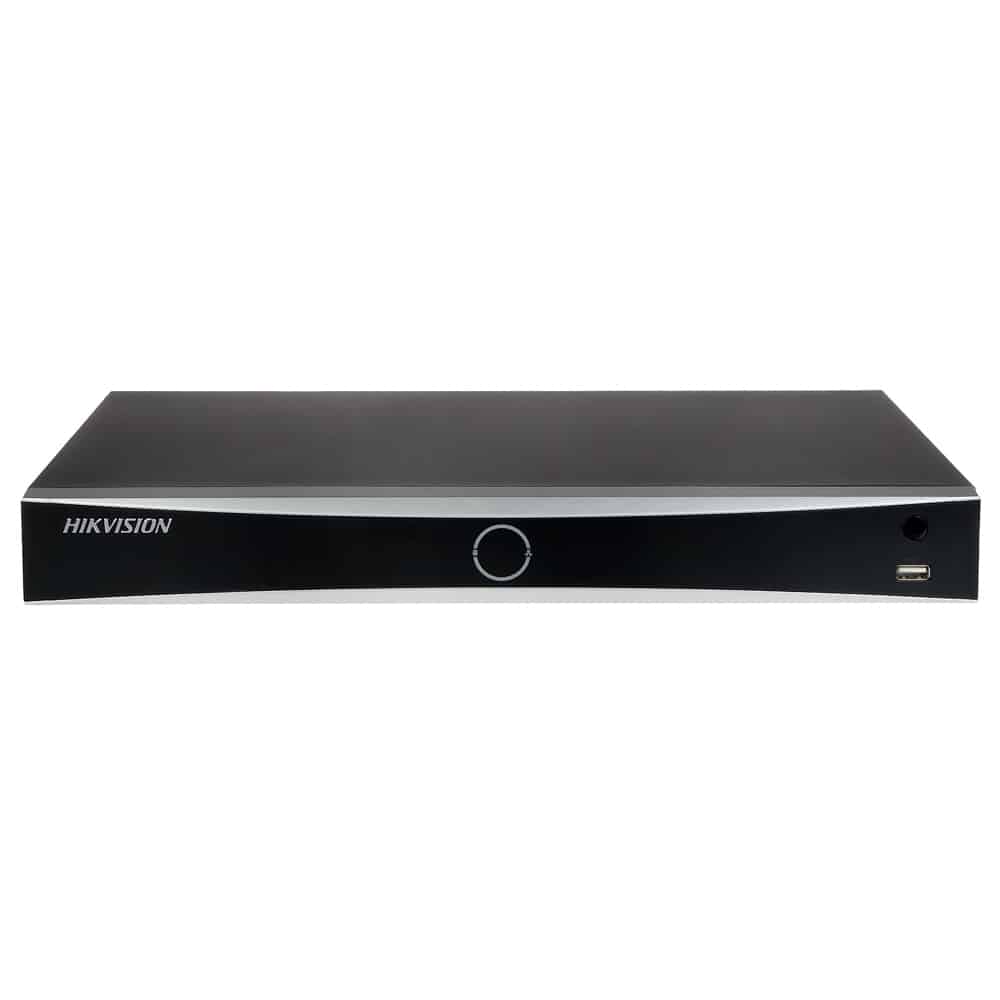
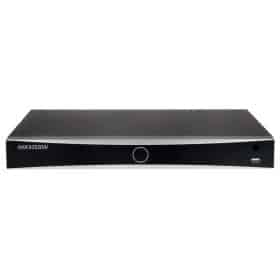
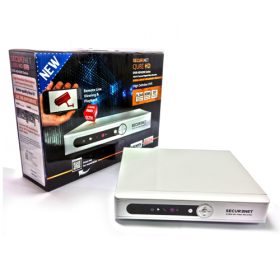
Recorders on their ownFor when you’re building the system piece by piece.
HiLook or Hikvision
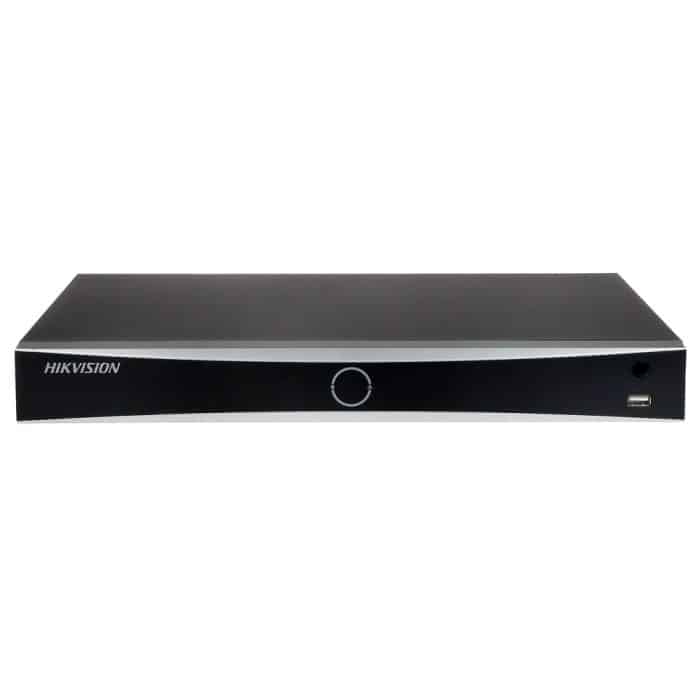
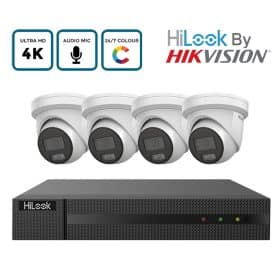
Both come out of Hikvision’s factories and both run on the same Hik-Connect app. HiLook is Hikvision’s value line, and the Hikvision-branded range goes further on features, with its prices showing once you log in to an account. Our OEM Hikvision kits sit between them: Hikvision hardware sold under our own label. HiLook vs Hikvision goes into what you actually give up, which is less than people assume. Whichever you choose, setting up Hik-Connect is the same job.
Kit or build your own
A kit is the right answer when the job is standard. Four to eight of the same camera on runs under 20 metres, with the recorder in a cupboard near the router. Most homes and small shops look exactly like that. Buy the kit.
Build your own when the job isn’t standard. A PTZ on a pole. Two camera types. A run that goes past 90 metres. An existing recorder with spare channels. Installers mostly build their own for that reason. A trade account gets them trade pricing, and the Hikvision, Dahua, Uniview and Pyronix prices appear once they’re logged in.
If you’re stuck between two kits, send us the details on the contact form and pick “Help choosing or setting up a system”. Tell us the number of approaches you counted and what’s already in the walls. That’s usually enough for a straight answer.
Frequently asked questions
How many CCTV cameras do I need for a house?
Most semi-detached and detached houses end up with four to six: front door, drive, back door, garden and one or two side returns. Walk every way onto the property and count. If you land above four, buy an eight-channel recorder.
Do CCTV kits come with a hard drive?
Ours do. Every four/eight-camera kit includes a surveillance hard drive. On the sixteen-camera kits the drive is optional, because larger sites often want to choose their own capacity.
Can I add more cameras to a kit later?
Yes, up to the number of channels on the recorder. Stick with the same make of camera where you can, because cameras from the recorder’s own maker get the full set of detection and audio features.
Do I need the internet for a CCTV kit?
No. The recorder records to its own hard drive and shows the cameras on a TV or monitor through HDMI. You only need an internet connection to watch on your phone or get alerts away from home.