




Buying Guides
CCTV With Audio: Is It Legal in the UK?
 Buying Guides
Most cameras we sell now have a microphone in them. It costs the maker almost nothing to include, and it’s genuinely useful when you’re trying to work out what was said at the back door at two in the morning. It’s also the part of a CCTV system most likely to land you in a dispute with the neighbours, because sound doesn’t stop at the fence the way a camera’s view can.
This is general guidance, not legal advice. The Information Commissioner’s Office (ICO) publishes the rules for both homes and businesses, and if you’re in any doubt, theirs is the guidance that counts.
Is it legal to record audio on home CCTV?
It isn’t banned. What changes things is where the system reaches. If your cameras only cover your own property, the domestic exemption means data protection law mostly leaves you alone. Once they capture anything beyond your boundary, such as the pavement or next door’s garden, you become responsible for that footage under UK GDPR, with duties attached: a good reason for recording, signs telling people, keeping footage only as long as you need it, and handing a copy to anyone who asks for footage of themselves.
Audio makes that boundary hard to keep. Sound carries. A camera can be angled and masked so it only sees your drive. A microphone hears the conversation on the pavement and the phone call in next door’s garden. The ICO’s guidance for householders describes audio recording as very privacy intrusive and says that in most cases it should be switched off.
The case that people quote
In Fairhurst v Woodard (2021), a county court judge found that a homeowner’s Ring doorbell and cameras collected audio from well beyond his property, and that this broke data protection law. The court also found he had harassed his neighbour. The case turned on several things, not the microphone alone, but the audio was central to it, and it comes up whenever someone asks whether to leave the microphone on.
Our answer, for most homes: switch recording of sound off on every camera that can hear past your boundary, which is usually all the outdoor ones. Leave it on, if you like, for a camera covering your own back garden behind a high fence.
Businesses and workplaces
The bar is higher. The ICO expects audio recording on business CCTV to be off by default and used only where you can justify it, and recording staff conversations needs a strong reason, written down before you start, that staff have been told about. Talking to someone through a speaker is a different thing from recording what the microphone hears, and that’s where audio earns its place for a business. A camera telling a person in the yard after hours that they’re being watched stops most of them.
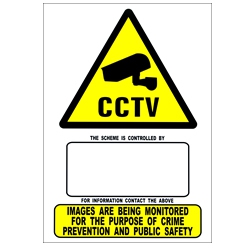
If audio is recorded anywhere, say so on your signs. Our guide to CCTV signs and the law covers what a sign should carry, and CCTV for small businesses covers the rest of a shop or office system.
One-way and two-way audio
A camera sold with “audio” or “microphone” in the name can listen. One sold with “two-way audio” has a speaker as well, so you can talk through it from the app or the recorder. Kit names follow the same rule: our “Audio Recording” kits have microphones, our “2-Way Audio” kits have both.
Two-way audio is almost always an IP camera feature. Analogue HD cameras with a microphone send their sound back down the coax to the DVR, but they don’t talk. Some cameras go further and add a siren and a flashing light, which Hikvision call active deterrence.
How to switch audio recording off
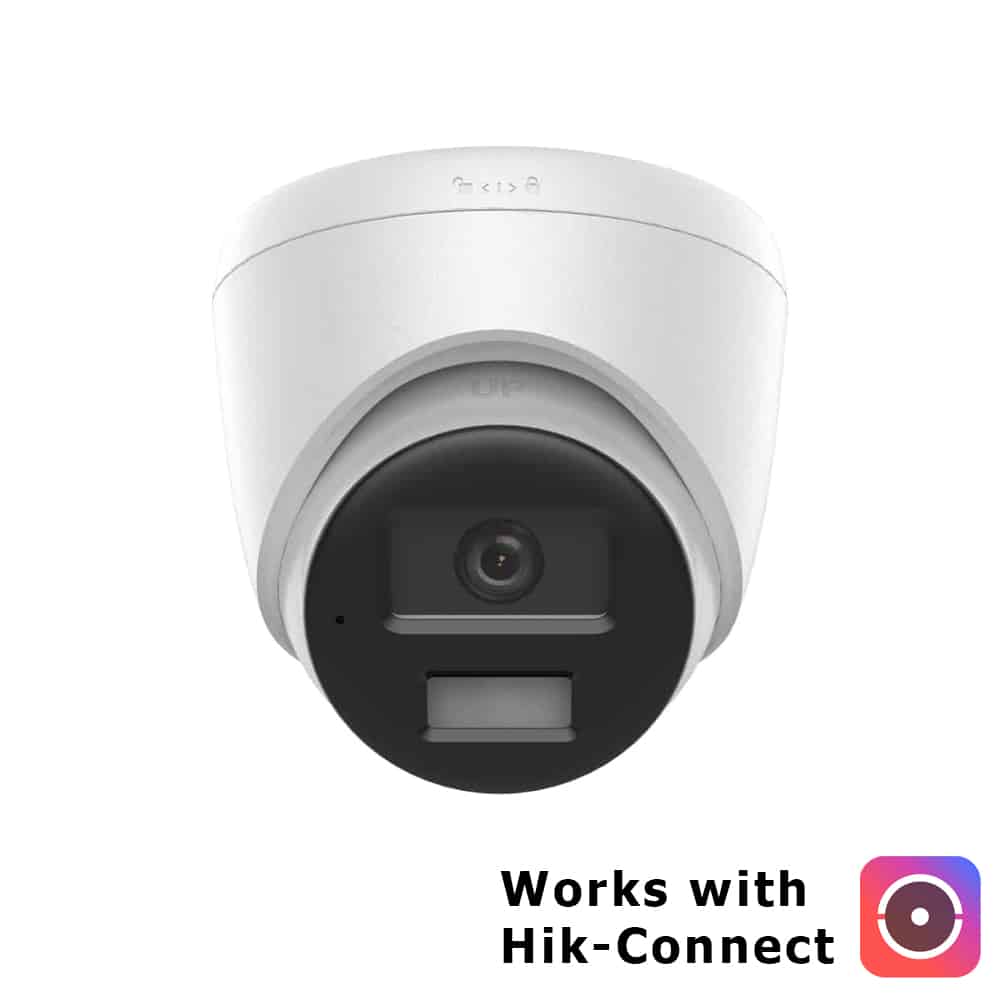
On Hikvision and HiLook recorders it’s a setting per camera. Open the camera’s recording or encoding settings and change the stream type from “Video & Audio” to “Video”. Do it for the main stream and the sub-stream. Both. Muting the sound in the Hik-Connect app only stops you hearing it on your phone. The recorder keeps recording.
Check afterwards. Play back a minute of footage from each camera and make sure it’s silent.
Adding a microphone to a camera that hasn’t got one
The easiest way is the cheapest one now: fit cameras with a microphone built in. Most of the turrets in our kits have one, and on analogue HD the sound rides down the same coax as the picture, as long as the DVR supports audio over coax. HiLook’s DVRs do.
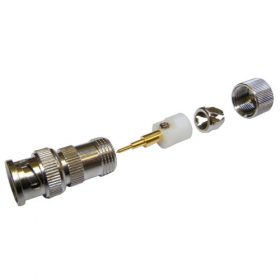
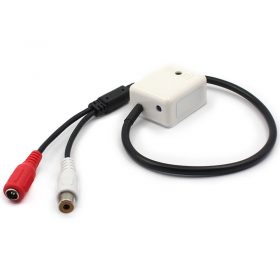
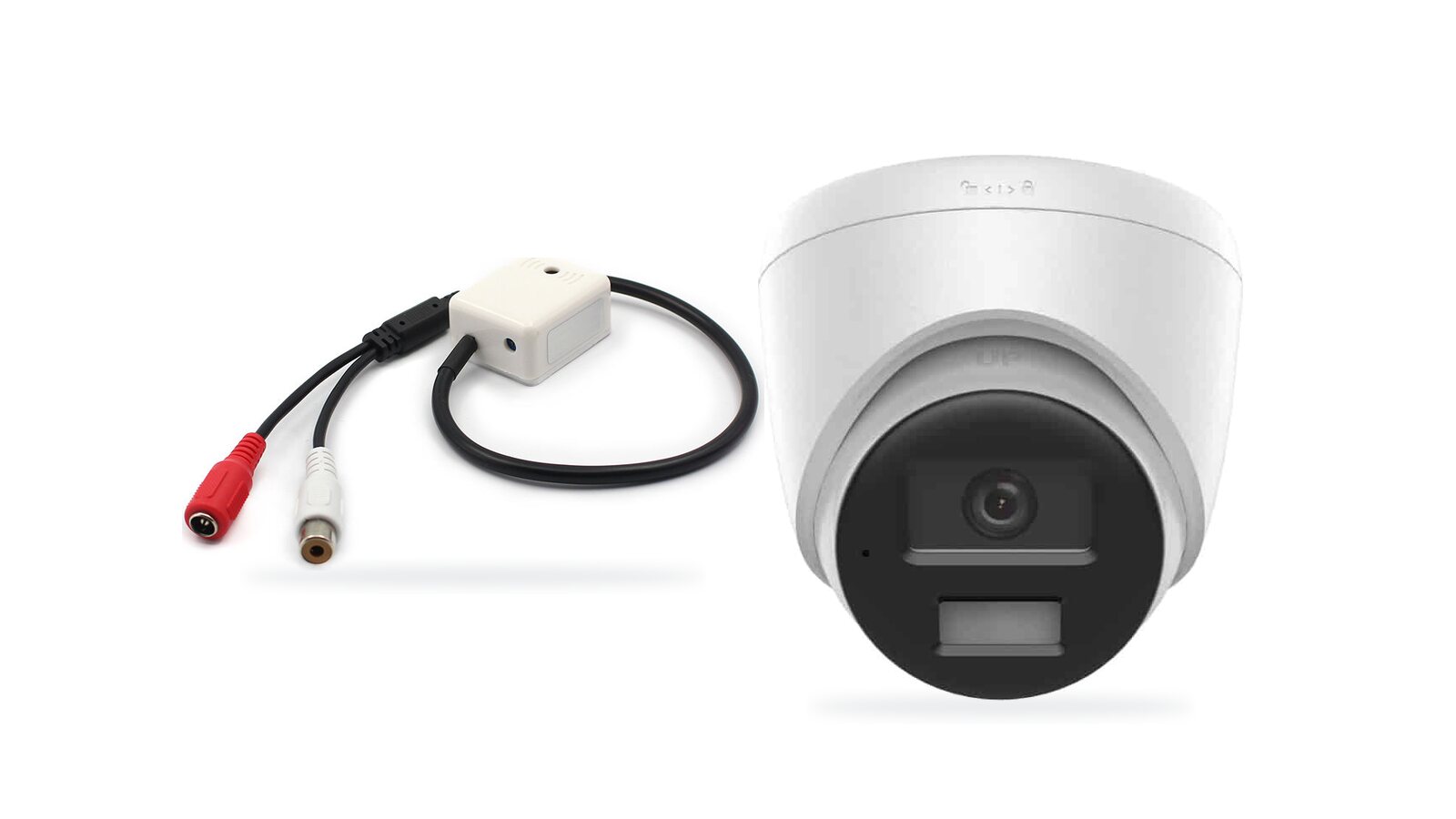
For an older camera, a separate CCTV microphone does the job. It needs power, usually 12V, and a cable back to an audio input on the recorder, usually an RCA phono socket. Small DVRs often have only one. Wind is the enemy. Mount it out of the wind, which sounds like a roaring engine on a recording, and away from extractor fans. If the recorder’s input is BNC, a BNC-to-phono adapter from our connector range joins them.
Plenty of IP cameras also have a small audio-in terminal on their tail for an external microphone. Check the datasheet for “audio input” before you buy one for that purpose.

CCTV microphoneA stand-alone mic with RCA output for adding sound to an existing system.

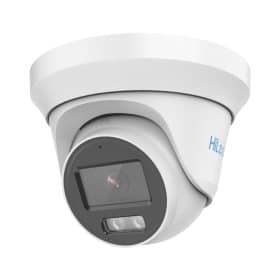
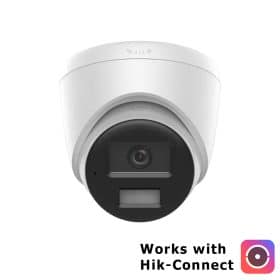
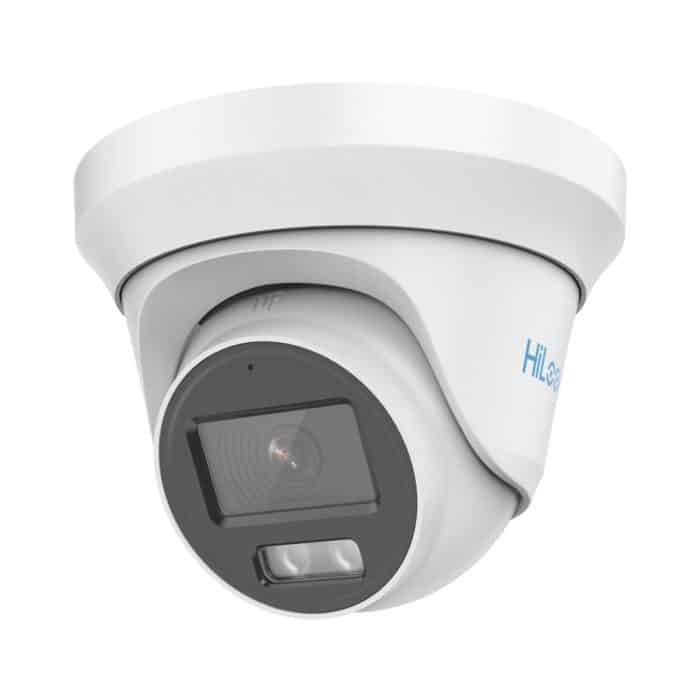
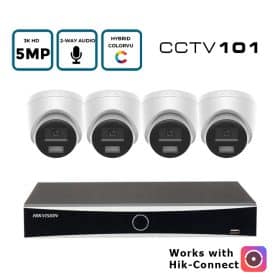
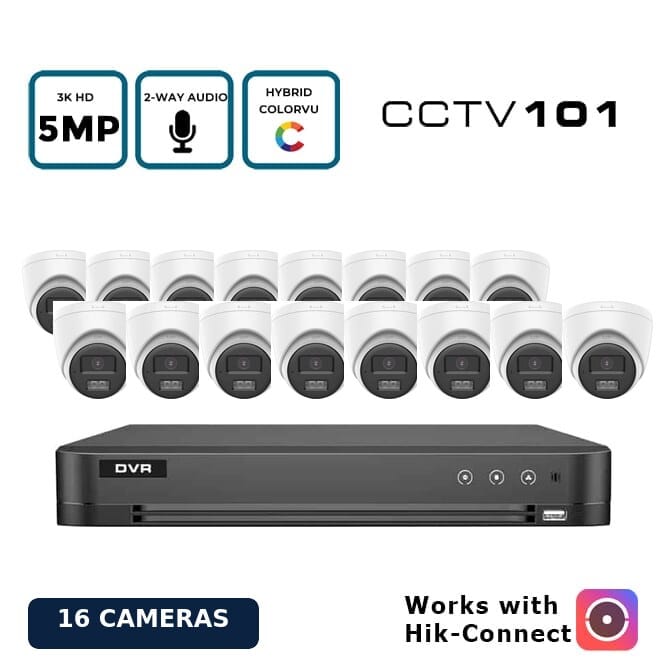
HiLook 5MP ColorVu audio turretAnalogue HD with a built-in mic. Sound travels over the coax.

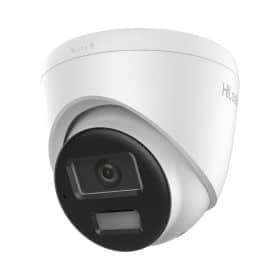
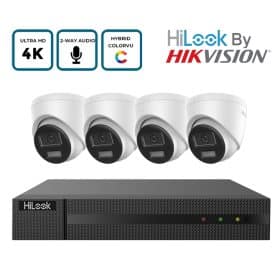
HiLook 8MP turret with two-way audioA speaker, a mic, plus a siren and strobe.
Audio for CCTVMicrophones and speakers.
Whether you want sound or not, the rest of the choices come first, and they’re in our CCTV kit buying guide. Questions about a particular camera can go through the contact form.
Frequently asked questions
Is it illegal to record audio on CCTV in the UK?
Not in itself. But if your system picks up anything beyond your own property, data protection law applies, and the ICO advises householders to switch audio recording off in most cases.
Can I record audio on CCTV at work?
Only where you can justify it. The ICO expects audio to be off by default on business systems, and recording staff conversations needs a strong, documented reason that staff know about.
Do I need a sign if my CCTV records audio?
Yes, where the system falls under data protection law. The sign should make clear that sound is recorded as well as images.
Can I turn off audio on Hikvision cameras?
Yes. Change the camera’s stream type from “Video & Audio” to “Video” in the recorder’s settings, for each camera and each stream.