










Buying Guides
What Size Hard Drive for CCTV? Days of Recording
 Buying Guides
A CCTV hard drive never fills up. When it’s full, the recorder quietly deletes the oldest footage to make room for the newest, and carries on. So the real question isn’t “how big?” but “how far back can I go?”, and you want the answer before the day you need footage from a fortnight ago and find the drive only holds nine days.
The sum
Every camera sends the recorder a stream measured in megabits per second (Mbps). Add up the streams. Then:
Gigabytes per day = total Mbps × 10.8
Divide the drive’s size in gigabytes by that, and you have days. A 4TB drive is 4,000GB on the label and a little less once the recorder has formatted it, so knock off about five per cent.
Typical figures for cameras recording continuously with H.265+ are 4 to 6 Mbps for a 4MP camera and 8 to 12 Mbps for an 8MP one. We use 5 and 10 below. Colour-at-night cameras run a little higher after dark.
Days of continuous recording
| System | Per day | 1TB | 4TB | 6TB |
|---|---|---|---|---|
| 4 cameras, 4MP | about 216GB | 4 days | 17 days | 26 days |
| 8 cameras, 4MP | about 432GB | 2 days | 8 days | 13 days |
| 4 cameras, 8MP | about 432GB | 2 days | 8 days | 13 days |
| 8 cameras, 8MP | about 864GB | 1 day | 4 days | 6 days |
Those numbers look short. They’re the worst case: every camera recording at full quality around the clock. Very few home systems need to.
Motion recording stretches it a long way
Set the recorder to record on events, a person or a vehicle detected, and a camera watching a quiet back garden might record a few minutes an hour. On a quiet house the same drive can then hold weeks more than the table shows. How much more depends entirely on how busy each scene is. A camera on a main road will record most of the day whatever you set.
H.265+ helps as well. It drops the bitrate hard when nothing in the scene moves, which on a residential street is most of the night.
The sensible middle ground for a lot of homes is continuous recording on the front door and drive, where you want the minutes before something happened, and event recording on the rest. Businesses tend to record continuously on every camera that matters and size the drive for the retention period they’ve chosen. CCTV for small businesses covers that.

Surveillance drives, not desktop drives
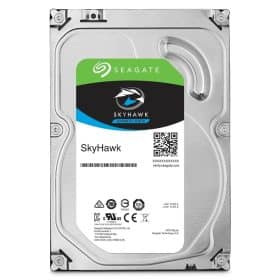
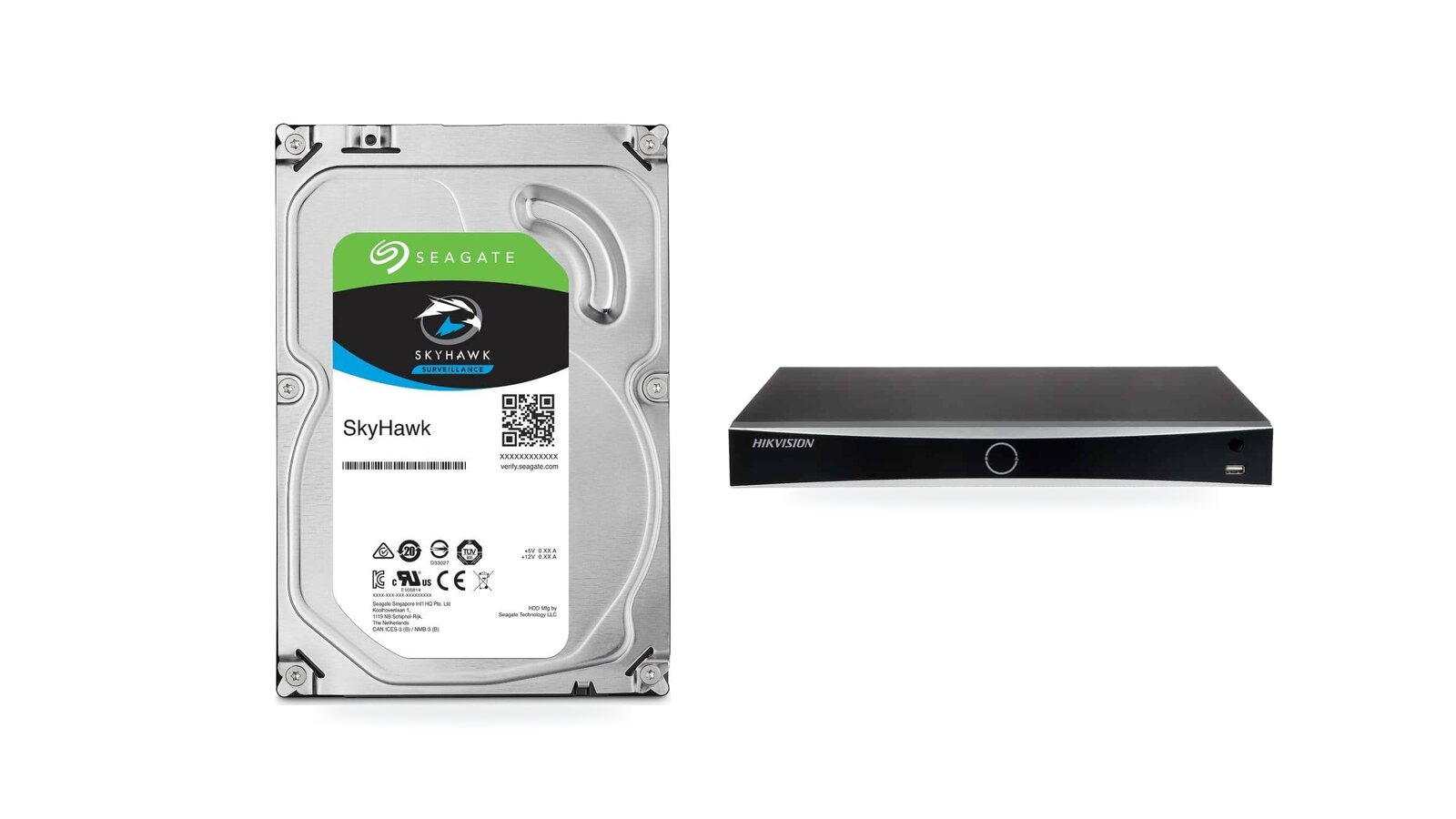
A recorder writes every minute of every day, often eight or sixteen streams at once. Desktop drives aren’t designed for that workload and tend to fail early in a recorder, usually without warning and usually just before you need them. Surveillance drives such as Seagate SkyHawk and WD Purple are built for it. They cost a little more and they’re worth it.
A note on buying one from us. Hard drive supply has been tight, so for now we sell drives only with a recorder or a kit, one per order. Every four/eight-camera kit already includes one. Otherwise, add a drive to the same order as the recorder. If you’re replacing a dead drive in an existing recorder, ask us through the contact form and we’ll tell you what we can do.
Check the recorder can take it
Every recorder has a maximum capacity per drive bay, listed on its datasheet. Older recorders in particular may not see all of a large modern drive. A recorder with two bays lets you add a second drive later instead of replacing the first. DVR vs NVR covers the other datasheet figures worth reading, and what size NVR do I need has the same storage sum applied to bigger systems.
Check what you’re really getting
Sums are a guide. The recorder knows the truth. A week or two after the system goes in, open playback and look at the calendar. The earliest day with footage on it is your real retention. Write it down.
While you’re in there, look at the drive’s status in the storage menu. It should say Normal. Then switch on the exception alert for a drive error, so Hik-Connect tells your phone the day a drive fails rather than the day you go looking for footage. Takes a minute. Saves a lot.
Our rule of thumb
For a house with four cameras, 4TB, and 6TB once you go to eight cameras or to 8MP, with the quiet cameras on event recording. A business should work the other way: decide how many days it must keep, then size the drive to that with room to spare. Resolution has the biggest effect on the result, which is one reason 4MP vs 8MP is worth reading before you choose cameras. The CCTV kit buying guide puts storage alongside the other choices.
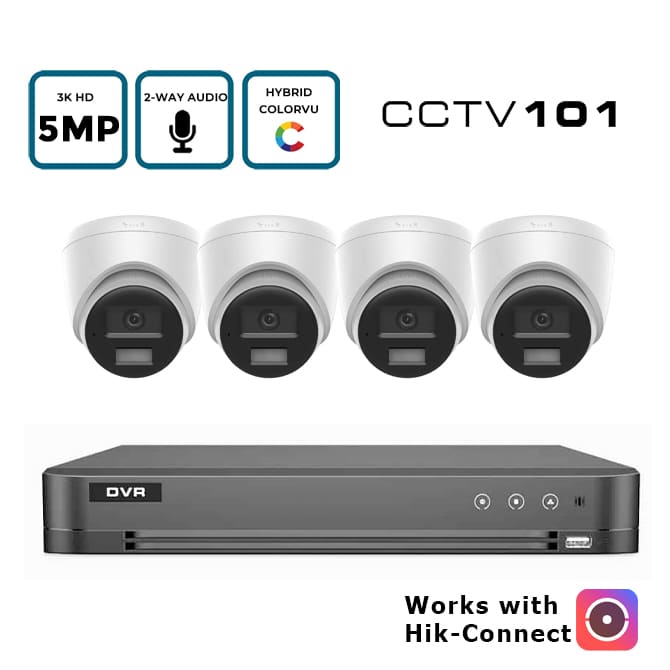
IP kits with a drive includedRecorder, cameras and a surveillance drive in one bundle.
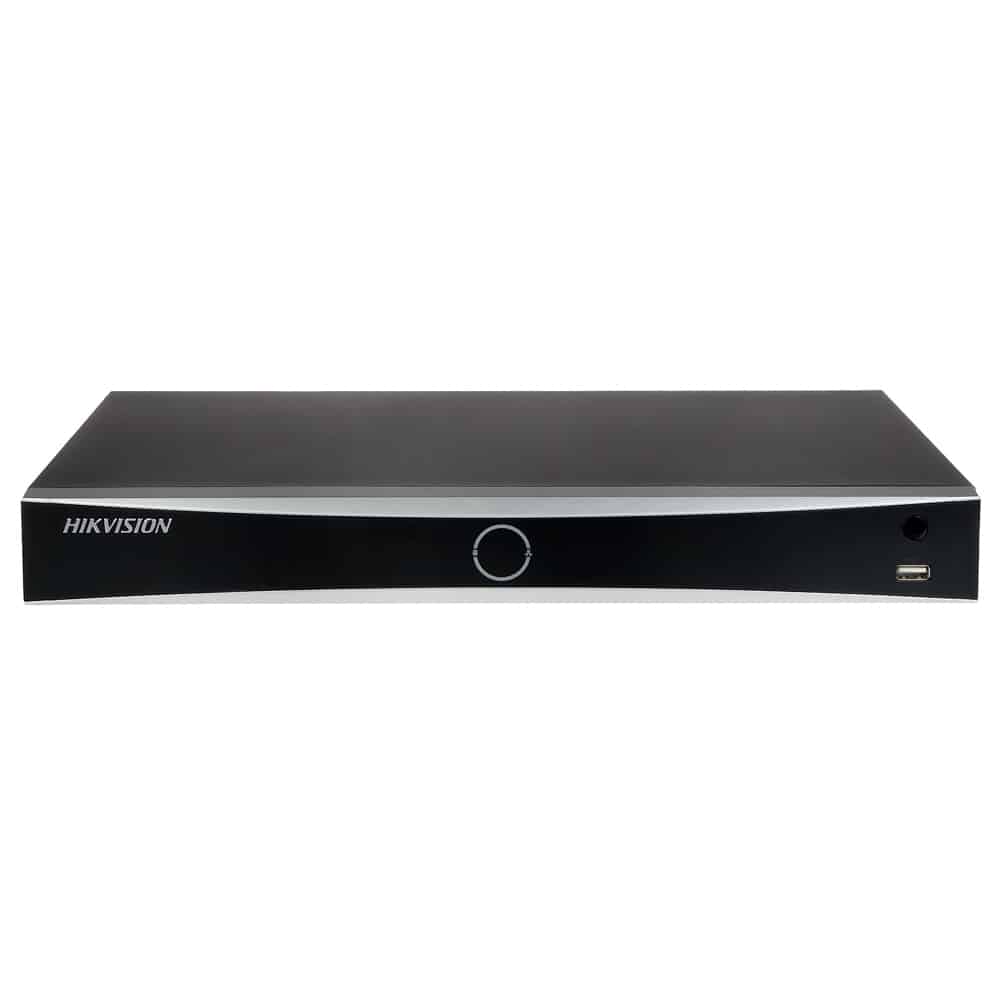
NVR recordersAdd a surveillance drive to the same order.
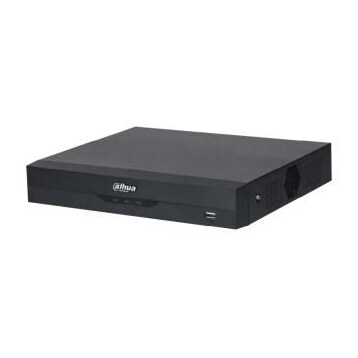
DVR recordersSome Dahua models can be ordered with a drive already fitted.
Surveillance hard drive4TB and 6TB SkyHawk, sold with a recorder.
Frequently asked questions
How long will a 1TB hard drive record CCTV?
Recording continuously, about four days for four 4MP cameras, or about one day for eight 8MP cameras. Event recording stretches that considerably on a quiet site.
How long will a 4TB CCTV hard drive last?
About 17 days of continuous recording from four 4MP cameras, or about 8 days from eight. Event recording can extend it to several weeks.
Can I use a normal hard drive in a CCTV recorder?
It will work, but desktop drives are not built for constant recording and tend to fail early. Use a surveillance drive such as Seagate SkyHawk or WD Purple.
What happens when a CCTV hard drive is full?
With the default overwrite setting, the recorder deletes the oldest footage to make room for new recordings, so it never stops recording.