
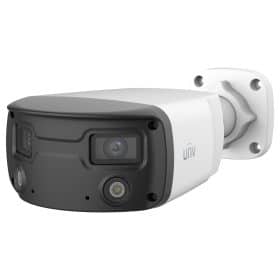


Buying Guides
Analogue HD CCTV Explained: TVI, AHD, CVI and 4-in-1
 Buying Guides
Analogue CCTV used to mean a grainy picture you could just about make a person out of. That’s CVBS, the old standard-definition signal, and plenty of it is still screwed to walls round Birmingham. Analogue HD is something else. It uses the same coax and BNC plugs and gets a picture up to 8MP. The catch is that it arrived as competing formats with similar names, which is why the boxes are covered in acronyms.
The formats
| Format | Whose it is | Where you’ll meet it |
|---|---|---|
| HD-TVI | Developed by Techpoint, adopted by Hikvision | Hikvision Turbo HD and HiLook cameras and DVRs |
| HD-CVI | Dahua | Dahua cameras and DVRs |
| AHD | Developed by Nextchip | Many smaller and unbranded makes |
| CVBS | The old standard-definition signal | Systems more than about ten years old |
Picture quality between the HD formats at the same resolution is close enough that you shouldn’t choose on it. What matters is that the camera and the DVR agree. They usually do now.
4-in-1 cameras and 5-in-1 DVRs
The formats war mostly ended in a truce. Nobody won. Nearly every current analogue HD camera is 4-in-1, meaning it can output TVI, AHD, CVI or CVBS. Depending on the model you switch between them with a small control on the camera’s tail lead or through its on-screen menu, and the manual shows which. Out of the box, Hikvision and HiLook cameras send TVI.
Current DVRs are 5-in-1: they read all four analogue formats on their coax inputs and take IP cameras over the network as well. They detect the format on each channel by themselves. So in practice a modern 4-in-1 camera on a 5-in-1 DVR just works, and an AHD camera from another brand will usually work on a Hikvision DVR too. Mixed systems like that are common when one camera dies and the original isn’t made any more.

How far coax goes
Further than network cable. Much further. An IP camera stops at 100 metres. Hikvision quotes several hundred metres on good RG59 for its TVI cameras at the lower resolutions, and less at 8MP, so check the datasheet for the resolution you’re buying. The cable has to be proper copper-cored RG59, not satellite coax with a steel core. RG59 vs RG6 for CCTV explains the difference and why it matters more for CCTV than for a dish.
Power: separate cores or power over coax
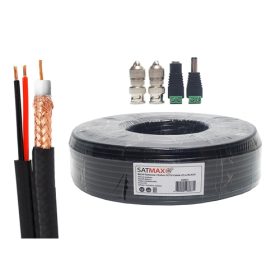
Most analogue HD cameras want 12V DC, carried by two power cores that run alongside the coax in what the trade calls shotgun or siamese cable. A power supply at the DVR end feeds them all, and our CCTV power supply guide covers sizing it.
Power over coax (PoC) does away with the separate cores. A PoC DVR sends power up the coax itself to a PoC camera. That’s handy on an upgrade where the old power cores are damaged or missing. It only works when both the camera and the DVR are PoC models, and it’s fussier about cable quality than ordinary analogue HD.
Upgrading an old system on its existing coax
This is where analogue HD earns its place. A shop or a house with six old cameras and coax buried in the walls can have a sharp modern picture by the end of the day, with no new cable at all.
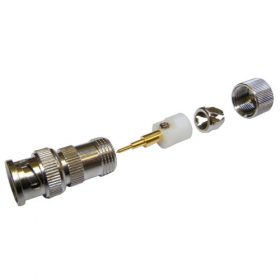
Start at the DVR end. Cut the old BNC plugs off and fit new ones, because the old plugs are usually where the problems live. Then test each run with a new camera at the recorder before anyone goes up a ladder. If a run gives a clean picture over the full length, it’ll take an HD camera. Job done. If it gives interference or nothing at all, find out why before blaming the camera. CCTV connectors explained covers fitting plugs that won’t let you down.
Check the power cores as well. Old systems often ran small, cheap cameras that drew very little current, and colour-at-night cameras with white light draw more. Measure the voltage at the camera end at night, with the camera’s lights on. If it has sagged well below 12V, expect reboots or a picture that fails after dark, and check the datasheet for the camera’s voltage tolerance.
You don’t have to swap every camera on day one either. A 5-in-1 DVR will run the old CVBS cameras alongside the new HD ones, so you can replace the worst first and the rest as budget allows.
Match the DVR to the cameras
An analogue camera’s picture is encoded by the DVR, so the DVR’s recording resolution caps the result. A DVR sold as “Lite” records below its cameras’ full resolution. Fine on a doorway, but if you’ve bought 8MP cameras for a wide yard, buy an 8MP DVR such as the HiLook DVR-208U-M1. We cover this properly in DVR vs NVR.
And if you’re pulling new cable anyway, think again about IP. IP vs analogue HD sets out when each one is the better buy.

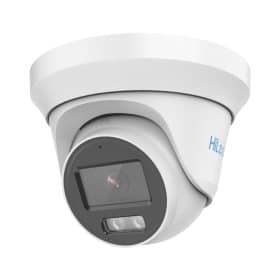
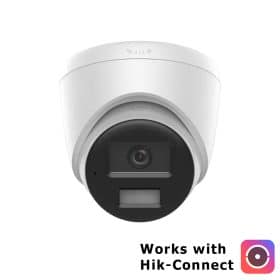
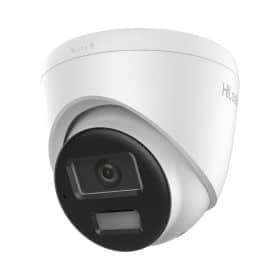
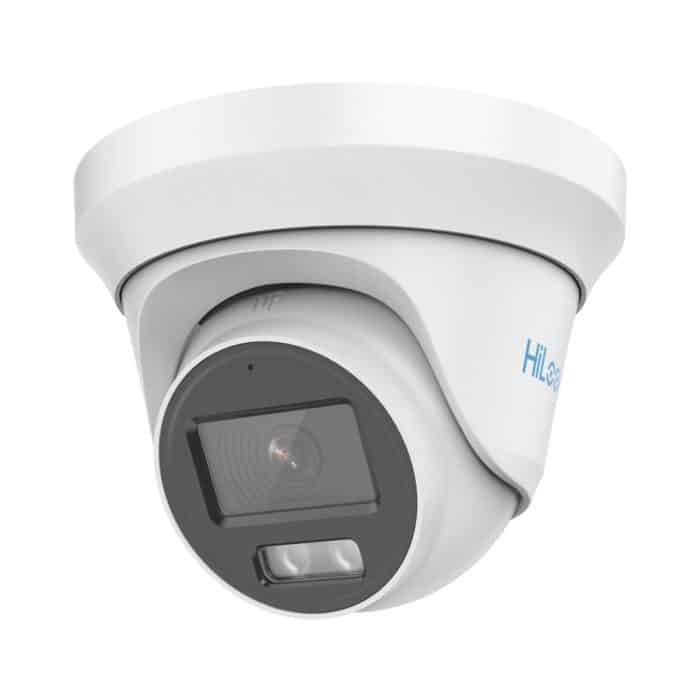
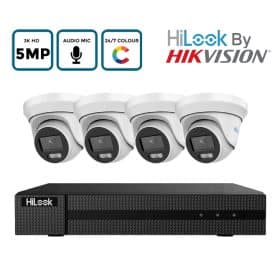
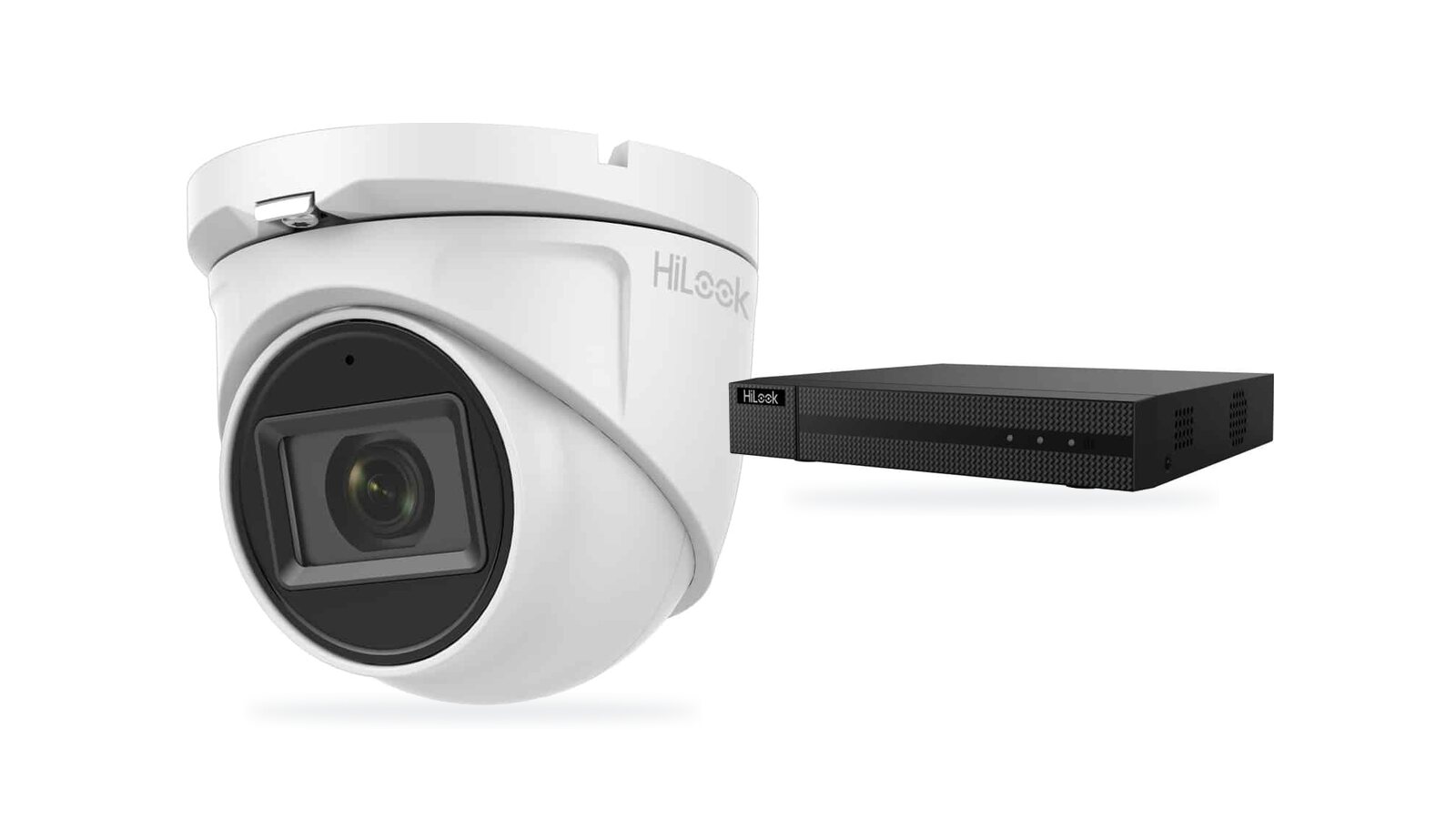
HiLook 5MP ColorVu audio turretColour at night, a microphone, and 4-in-1 output.

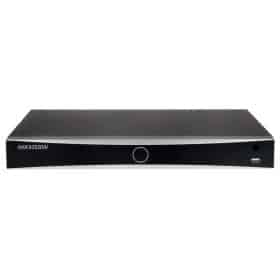
HiLook 8-channel 8MP DVRRecords analogue HD cameras at full 8MP, and takes IP cameras too.

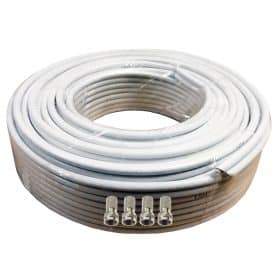
20m plug-and-play siamese cableRG59 and power cores with the plugs already fitted.
All analogue HD camerasTurrets and domes from 2MP to 8MP, many with audio.
For a complete system in one box there are analogue HD kits, and the CCTV kit buying guide walks through choosing one. Upgrading something odd? Send the details through our contact form.
Frequently asked questions
What is an AHD camera?
AHD (Analogue High Definition) is one of the formats for sending HD video over coax. Most current analogue cameras can output AHD, TVI, CVI and old CVBS, and most current DVRs accept all of them.
Can I use HD cameras on my old CCTV cable?
Usually, yes. Analogue HD runs on the same RG59 coax as older systems, with a new HD DVR. Fit new connectors, then test each run with a camera before you mount anything.
Will an AHD camera work on a Hikvision DVR?
On a current 5-in-1 Hikvision or HiLook DVR, yes. The DVR detects the format on each channel automatically.
What is the difference between TVI and CVI?
HD-TVI is the format Hikvision uses and HD-CVI is Dahua’s. They do the same job. A 4-in-1 camera can output either.