

Buying Guides
CCTV Junction Boxes and Brackets: What Fits What
 Buying Guides
A camera arrives with three screws and a paper template, and that’s enough when the cable can go straight through the wall behind it. Often it can’t. The cable comes along the wall instead, or the camera has to sit on a corner or a lamp post. That’s what the bracket shelf is for, and it’s worth getting right, because the bracket decides whether the connections stay dry for ten years or for one winter.
Deep bases and junction boxes
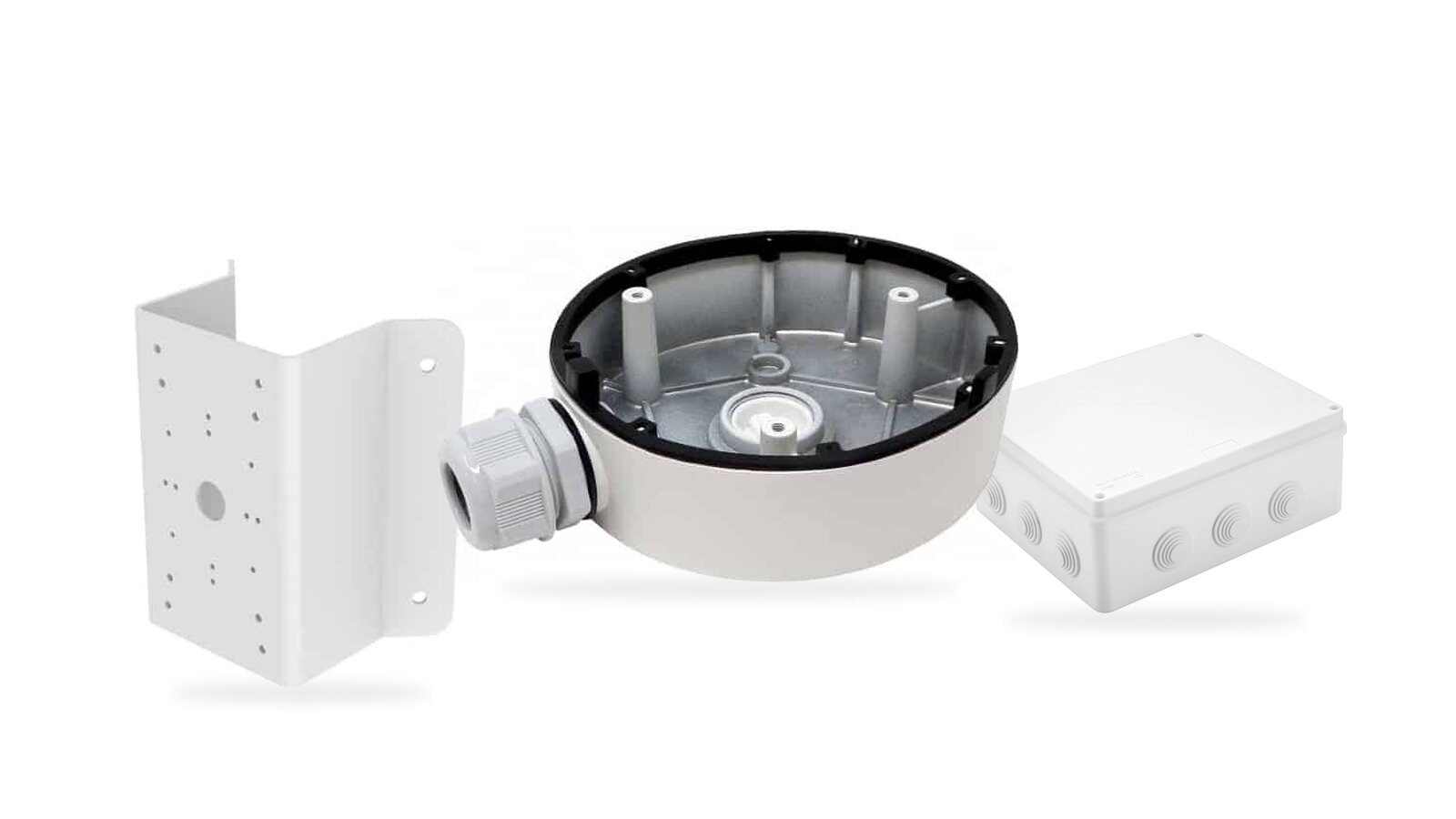
A deep base (also sold as a junction box or back box) goes between the camera and the wall. The camera screws onto it and the hollow inside holds the connections: the BNC and power plugs of an analogue camera, or the RJ45 of an IP one, plus any spare cable. Cable can come in from behind or through a side entry with a gland.
It earns its keep twice over. It keeps the plugs and the spare cable out of the weather, and wet plugs are the single biggest cause of camera faults. It also stands the camera off the wall slightly, which helps a camera look along the face of a building rather than at the brickwork next to it.
Fit one whenever the cable can’t disappear straight through the wall behind the camera. That’s most installs. Honestly.
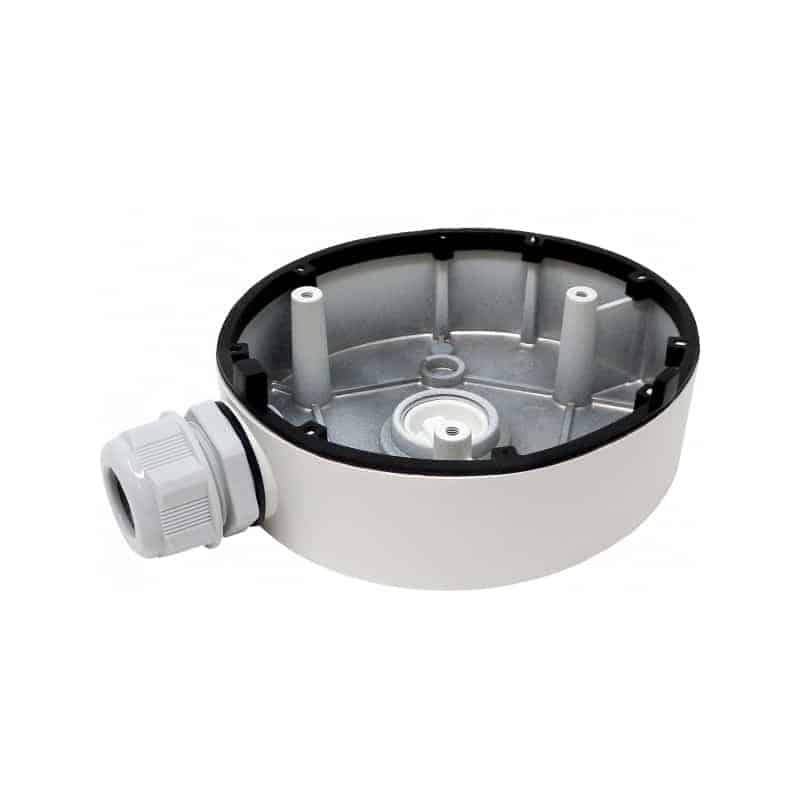
Finding the one that fits
Here’s the catch. Fit matters. Junction boxes are made for a camera’s footprint, and footprints differ between models even from the same maker. The surest way to choose is the camera’s own datasheet. Near the end, under mounting or accessories, it lists the brackets and junction boxes made for that camera by code.
We’ve done that lookup for you on most cameras. Each camera page on our site shows the brackets made for it, and each bracket page lists the cameras it fits.
Hikvision’s codes follow a pattern, which helps when you’re reading a datasheet:
| Code starts | What it is |
|---|---|
| DS-1280ZJ | Junction box or deep base |
| DS-1273ZJ | Wall mount |
| DS-1275ZJ | Pole mount |
| DS-1276ZJ | Corner mount |
| DS-1602ZJ | Mounts for PTZ cameras |
Universal deep bases are the fallback. Ours fits a range of turret cameras from several brands, and it’s a sensible budget choice when the camera’s own junction box is out of stock or the camera is from a maker nobody stocks parts for any more. A matched base will always seal better. Always.
Brackets for awkward positions
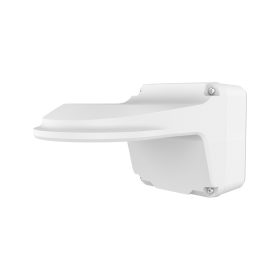
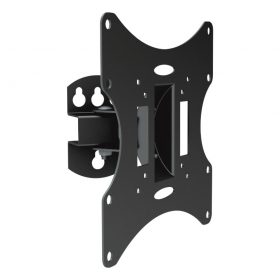
A wall mount puts a bullet or a dome on an arm out from the wall. Use one where the camera has to see past a downpipe or the edge of a bay window.
A corner mount wraps round the outside corner of a building, so one camera can look down two faces at once or straight down a side return. It’s the best spot on many houses. Corners are also the hardest place to fix to neatly without one.
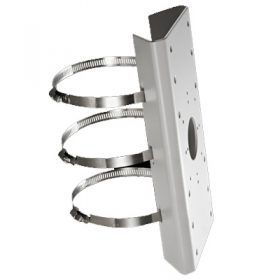
A pole mount clamps to a lamp post or a dedicated CCTV pole with stainless steel bands. Check two things. The pole’s diameter has to sit inside the band’s range, and with most turrets and domes the pole mount fixes to a junction box rather than straight to the camera, so you’ll need both. On a pole, the box is where the cable joins and turns, so it’s not optional anyway.
Stainless steel versions (Hikvision’s codes end in -SUS) are for coastal sites and anywhere else painted aluminium would bubble and rust within a couple of years.
Bigger boxes for power supplies and switches
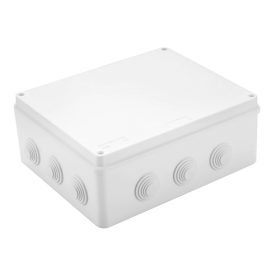
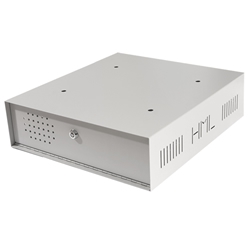
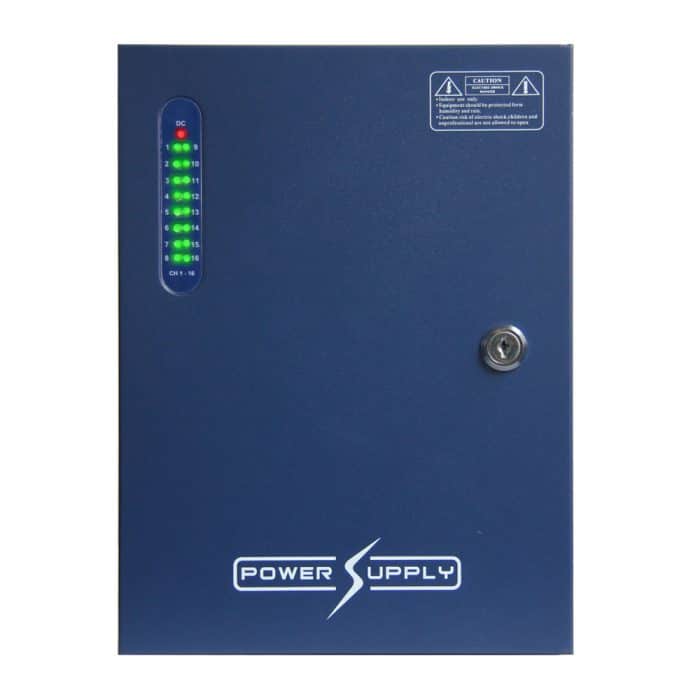
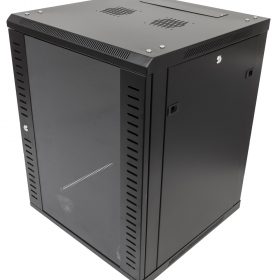
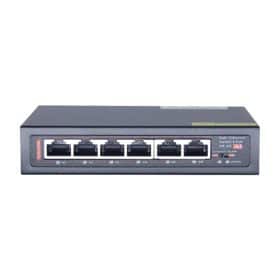
Not every junction box holds a camera. A plain IP65 enclosure on the wall, ours is 300 by 250 by 120mm, gives you a dry home outdoors for a 12V power supply or a PoE switch halfway down a long run. Small boxes like the Spelsberg 85 by 85mm take a single cable joint. Mount them with the cable entries at the bottom so water can’t run in. Never on top.
IP ratings in one paragraph
The first digit is dust and the second is water. IP6x means dust-tight. On the water side, IPx4 shrugs off splashes, IPx5 survives water jets, IPx6 takes powerful jets and IPx7 survives being dunked to a metre. For anything outdoors in Britain, IP65 or better. Most of our cameras are IP66 or IP67, and the matched junction boxes keep up with them, as long as the glands are tightened and the unused holes blanked off.
Junction boxes and deep basesMatched bases from Hikvision, HiLook, Dahua and Uniview, plus universal ones.

Pole mountsClamp brackets for lamp posts and CCTV poles, in aluminium or stainless.

Wall and corner mountsFor cameras that need to see past an obstruction or round a corner.

IP65 enclosure 300x250x120mmAn outdoor home for power supplies, switches and baluns.
Fixing it all to the wall
Fix into brick, not into the mortar between bricks, which crumbles. On rendered walls, find out what’s under the render before you trust it with a camera on a long arm. Seal round the cable where it goes through the wall, and leave a drip loop so water runs off the cable before it reaches the box. A lot of “faulty” outdoor connectors are simply wet, because water ran down the cable into them.
For the plugs inside the box, CCTV connectors explained covers which ones survive outdoors. For the rest of a system, start with the CCTV kit buying guide, where junction boxes are an option on every kit. Can’t find a bracket for an older camera? Send its model number through our contact form.
Frequently asked questions
Do I need a junction box for my CCTV camera?
Whenever the cable can’t go straight through the wall behind the camera, yes. It keeps the connections dry and hides spare cable. On pole mounts it is usually required.
Are CCTV junction boxes universal?
Some are, but a junction box made for your camera model fits and seals better. The camera’s datasheet lists the matching codes, and our camera pages show the compatible brackets.
How do I mount a CCTV camera on a pole?
Use a pole mount bracket with stainless bands sized for the pole’s diameter. Most turrets and domes fix to the pole mount through a matching junction box.
What IP rating does an outdoor CCTV junction box need?
IP65 or better for outdoor use in the UK, with glands tightened and unused entries sealed.